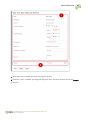
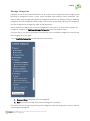
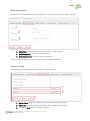
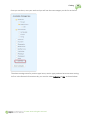
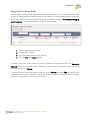
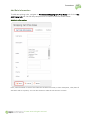
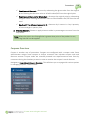
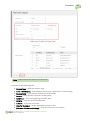
1
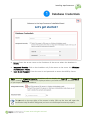
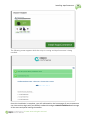
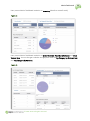
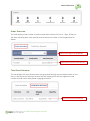
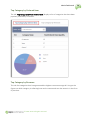
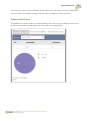
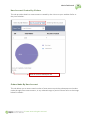
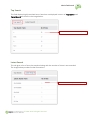
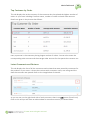
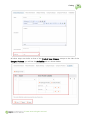
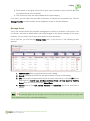
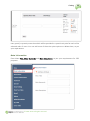
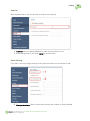
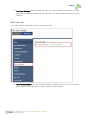
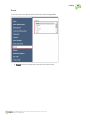
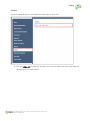
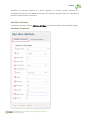
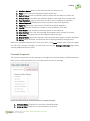
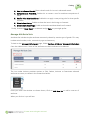
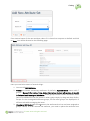
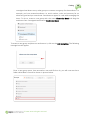
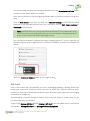
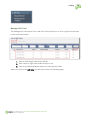
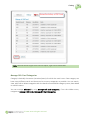
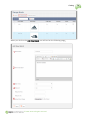
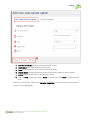
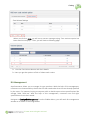
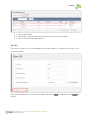
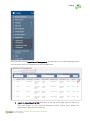
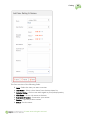
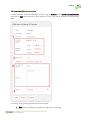
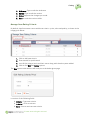
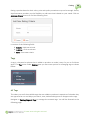
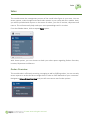
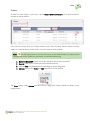
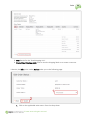
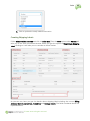
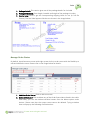
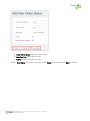
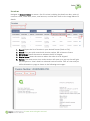
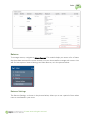
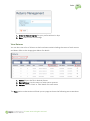
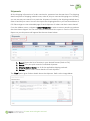
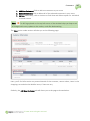
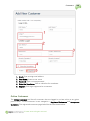
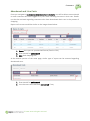
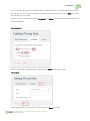
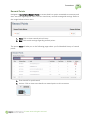
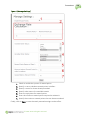
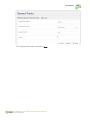
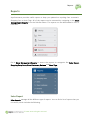
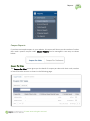
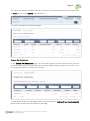
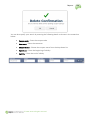
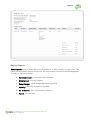
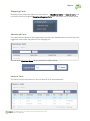
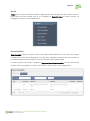
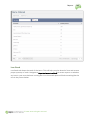
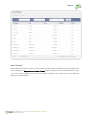
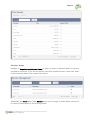
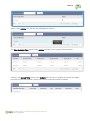
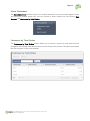
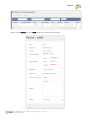
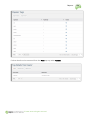
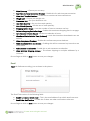
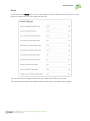
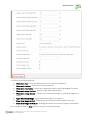
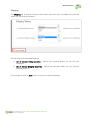
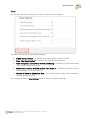
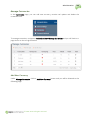
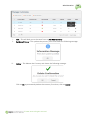
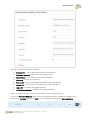
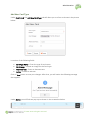
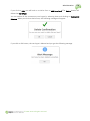
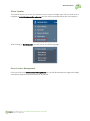
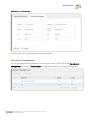
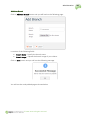
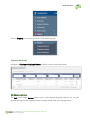
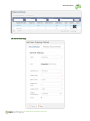
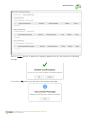
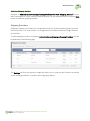
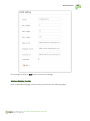
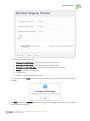
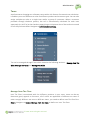
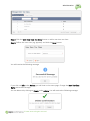
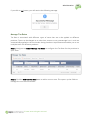
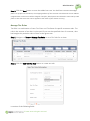
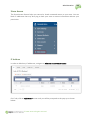
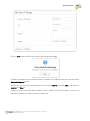
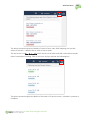
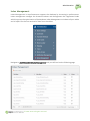
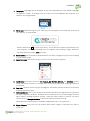
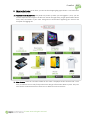
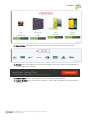
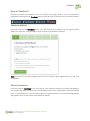
Catalog 1. 2. 3. 4. 5. 75 Brand Name: Enter the name of the brand Brand Description: Add a short description about the brand You can choose to show the brand in a slider You can also feature the added brand Upload your brand image here Once you click on save, you will get a success message and sure enough on the manage brand page you will see the newly added brand. Click on the Actions button to Edit, Delete, Activate or Deactivate the brand you just added. Variant Options Variant Options enables a seller to put different prices to the same product based on some variant properties such as color, size, etc. You can search for a cost variant and view a list of variants available with details like name and status signifying whether they are used in the system or not. You can also add or delete cost variants. From the sidebar menu, follow Catalog > Variant Options, you will land on the following page Click on Add New Cost Variant Option: © 2011-2014. All rights reserved.