1
SVAN 106 User MANUAL
_
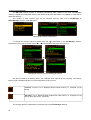
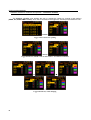
6 DATA AVAILABLE ON THE DISPLAY – Display
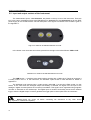
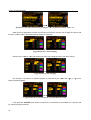
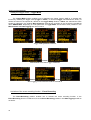
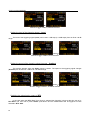
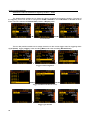
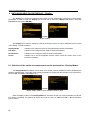
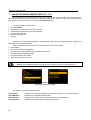
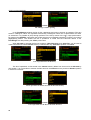
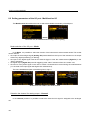
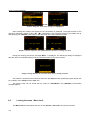
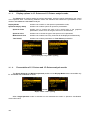
The Display list contains the elements that enable one the independent programming of the display
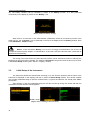
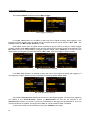
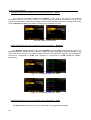
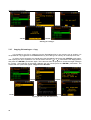
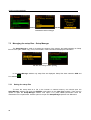
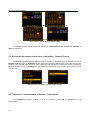
parameters. In order to open the Display list the user has to press the <Menu> push-button, select the
Function text and press <ENTER>.
<ENTER>
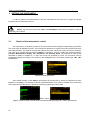
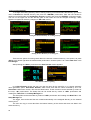
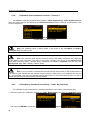
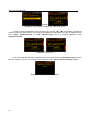
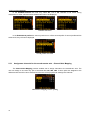
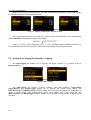
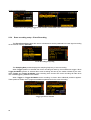
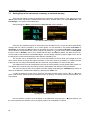
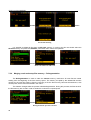
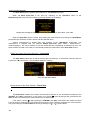
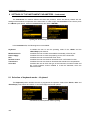
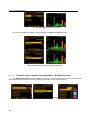
Display window
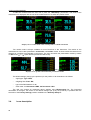
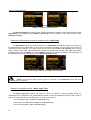
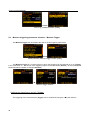
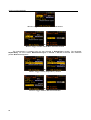
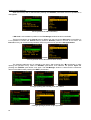
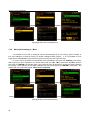
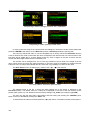
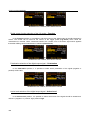
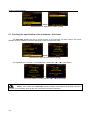
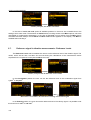
The Display list is used for setting the various parameters, which are mainly dedicated for the control
of the display. The list consists of:
Display Modes
enables one to select the mode of the measurement results presentation;
Plot Scale
enables one to change the plot scale of results presentation;
Results Scale
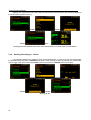
enables one to change the scale of result’s presentation;
Screen
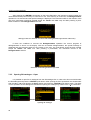
enables one to set the brightness and the switch on/off the screen saver of the
instrument’s display.
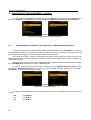
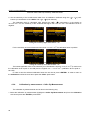
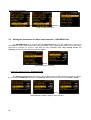
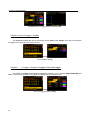
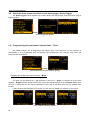
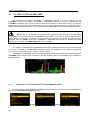
6.1 Selection of the modes of measurement results presentation - Display Modes
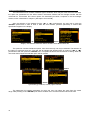
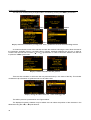
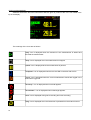
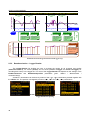
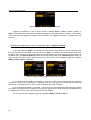
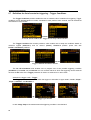
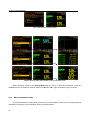
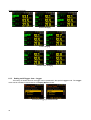
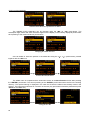
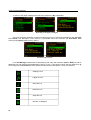
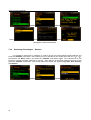
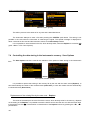
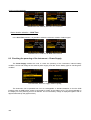
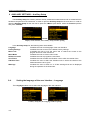
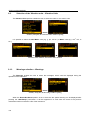
The Display Modes list enables one to switch on or off the currently available modes of displaying the
results of measurement. The mode of the results presentation is related with the selection of the instrument’s
function (LM, 1/1 Octave, 1/3 Octave, etc.).
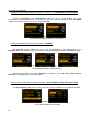
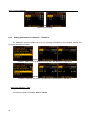
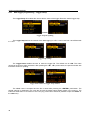
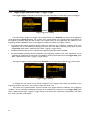
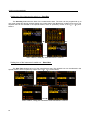
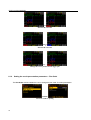
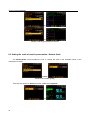
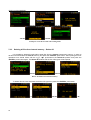
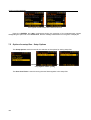
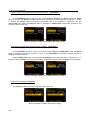
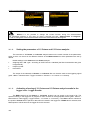
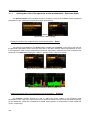
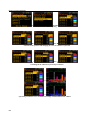
<ENTER>
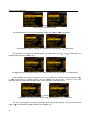
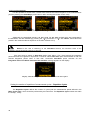
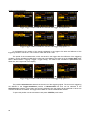
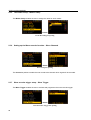
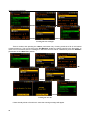
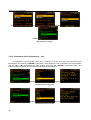
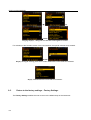
Display Modes windows in the Sound Level Meter mode
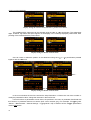
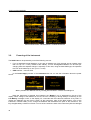
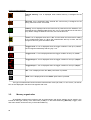
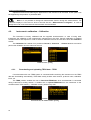
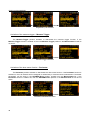
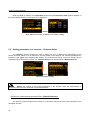
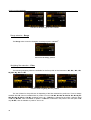
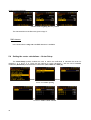
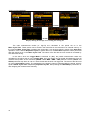
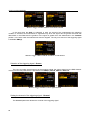
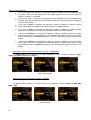
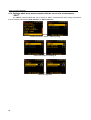
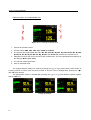
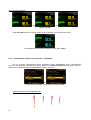
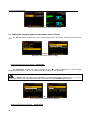
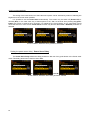
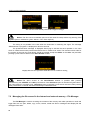
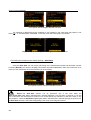
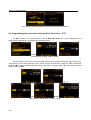
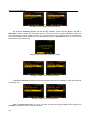
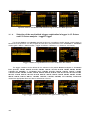
When all display modes in the Display Modes list are switch off the only main presentation mode with
two results is available. Any attempt to switch the mode by means of <Alt> and <5>, <6> push-buttons
give no results.
69