1
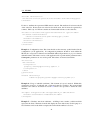
2.6. XFORM
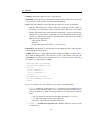
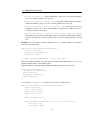
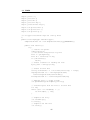
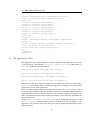
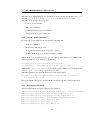
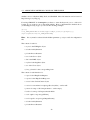
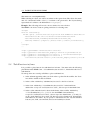
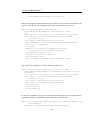
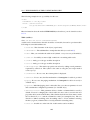
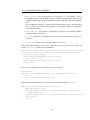
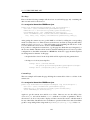
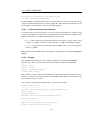
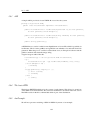
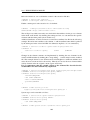
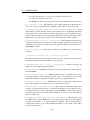
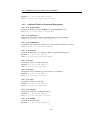
<xf:bind nodeset="/data/form/totalamount"
calculate="sum(/data/form/subform/form/total)"/>
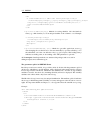
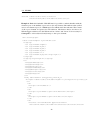
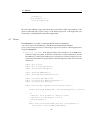
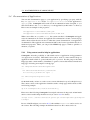
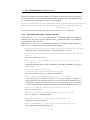
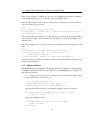
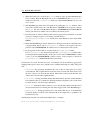
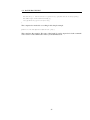
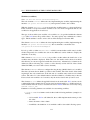
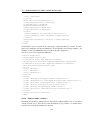
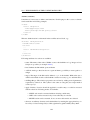
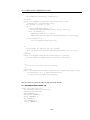
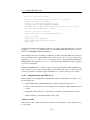
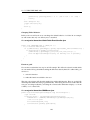
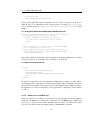
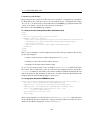
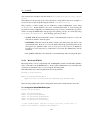
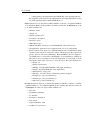
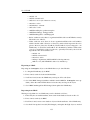
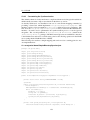
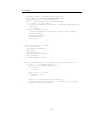
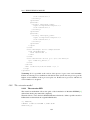
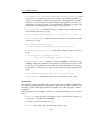
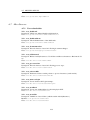
Example 6: Embedded subtable: With XForms it is possible to embed subtables with the
element repeat or the attribute repeat-nodeset (for any element). The attribute value (called
nodeset for element repeat) is a XPath expression which selects the subforms. The content
of the repeat element is repeated for each subform. The buttons Delete and Insert are
XForm triggers which resolve the XForm actions "delete" and "insert". It is necessary for
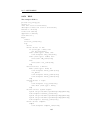
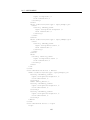
@enterprise to add a subformid and formtype to the repeat element:
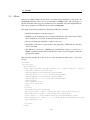
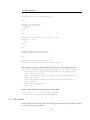
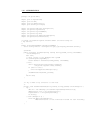
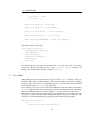
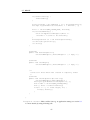
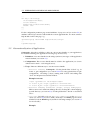
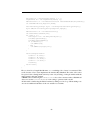
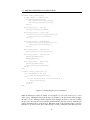
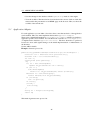
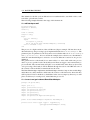
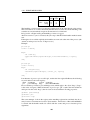
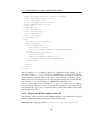
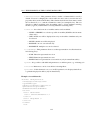
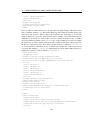
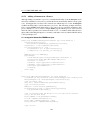
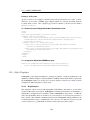
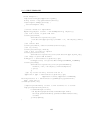
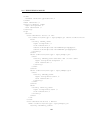
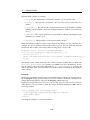
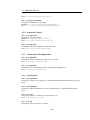
<div class="group">
<table class="simple" style="width:90%">
<colgroup>
<col style="width:125px"/>
<col style="width:80px"/>
<col style="width:80px"/>
<col style="width:80px"/>
<col style="width:*" />
<col style="width:80px;text-align:right" />
</colgroup>
<colgroup align="right"></colgroup>
<tr>
<th>@@@itemdate@@</th>
<th>@@@timefrom@@</th>
<th>@@@timeto@@</th>
<th>@@@lunchbreak@@</th>
<th>@@@description@@</th>
<th>@@@costcenter@@</th>
<th>@@@time@@</th>
</tr>
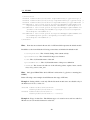
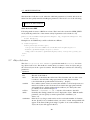
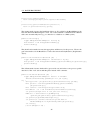
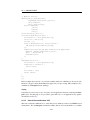
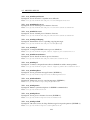
<tbody subformid="1" formtype="hr_timeitem_1"
xf:repeat-nodeset="/data/form/subform[@id='1']/form[position()!=last()]">
<tr>
<td>
<xf:input ref="itemdate" />
</td>
<td>
<xf:input style="width:60px" ref="timefrom"></xf:input>
</td>
<td>
<xf:input style="width:60px" ref="timeto"></xf:input>
</td>
<td>
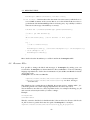
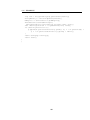
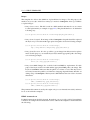
<xf:select ref="lunchbreak" appearance="full">
<xf:item><xf:label></xf:label><xf:value>true</xf:value></xf:item>
22