1
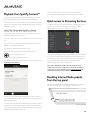
Note: Starting any form of streaming audio always takes priority
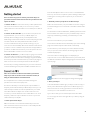
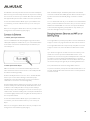
4. After a few seconds a menu will appear.
and causes the Musaic Player to automatically switch away from
Auxiliary input to that streaming source.
To return to Auxiliary input playback simply stop the streaming
playback (tap the Stop button) and the Musaic Player will return to the
Auxiliary input.
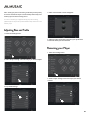
1. Select the Settings menu.
5. Adjust the Bass and Treble controls to your preference.
Press ‘Back’ when you have finished.
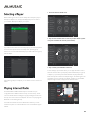
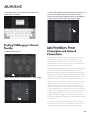
1. Select the Settings menu.
2. Under ‘Player Settings’ select the Player you wish to adjust.
2. Under ‘Player Settings’ select the Player you wish to
rename.
3. Tap ‘Audio Settings’.
21