1
14
GETTING STARTED
GETTING STARTED
Cholestech LDX System User Manual
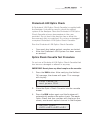
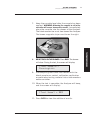
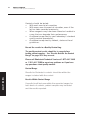
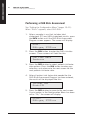
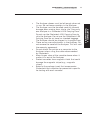
4. Check to see that the numbers are within the
acceptable range (80–105), which is printed on
the Optics Check Cassette. Record the results in
the Optics Check Log.
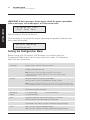
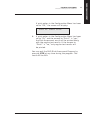
5. If the numbers are outside the printed range, this
message will display.
Optics Test Fail
ch#1-ch#2-ch#3-ch#4
6. If an expired Optics Check Cassette is used, this
message will display.
Expired Cassette
ch#1-ch#2-ch#3-ch#4
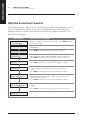
7. If an expired Optics Check Cassette is used, and
then a test cassette is used, this message will
display following the test results.
Expired
Optics Cassette