1
Chapter 7: Functions in the Events menu
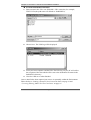
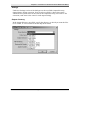
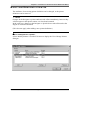
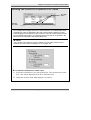
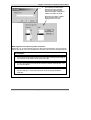
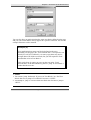
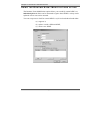
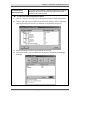
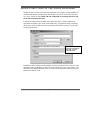
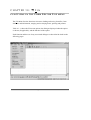
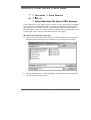
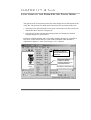
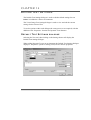
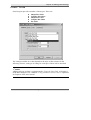
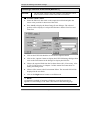
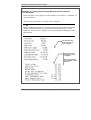
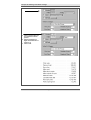
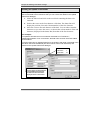
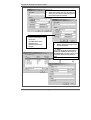
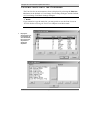
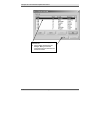
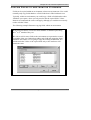
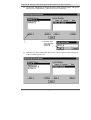
You can also have an application that has many text blocks defined on the page
and you wish certain data to always appear in a specific text block. Our second
example illustrates such a situation.
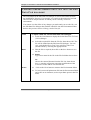
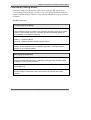
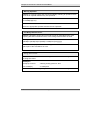
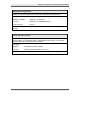
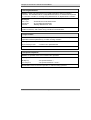
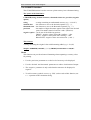
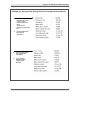
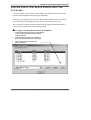
Example (2):
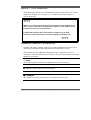
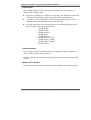
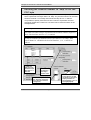
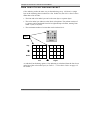
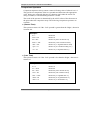
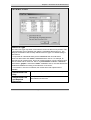
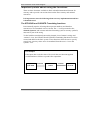
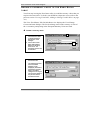
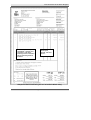
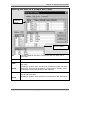
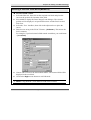
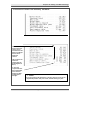
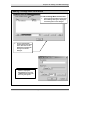
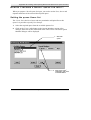
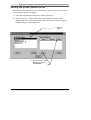
Your application has many text blocks defined on the page.
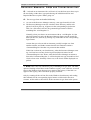
Normally, on full pages, the ‘Total Amount Due’ is in a specific text
block (let’s call it Text Block 5). On some pages there may not be
enough data to fill all the text blocks, but you still require the Total
Amount Due to be in Text Block 5.
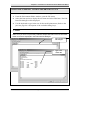
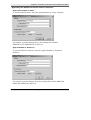
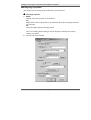
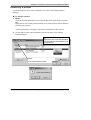
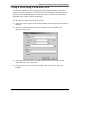
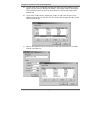
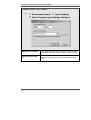
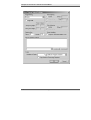
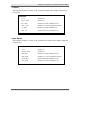
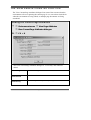
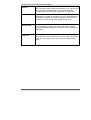
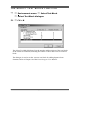
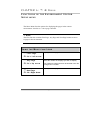
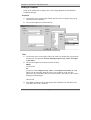
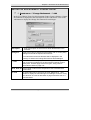
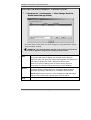
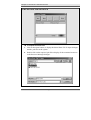
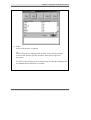
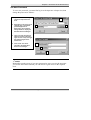
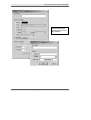
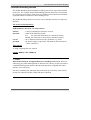
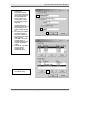
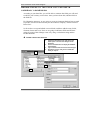
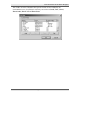
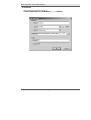
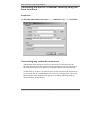
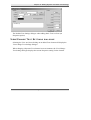
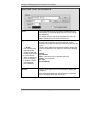
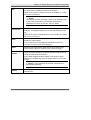
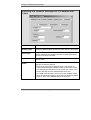
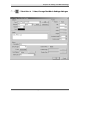
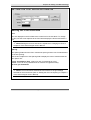
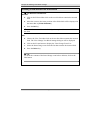
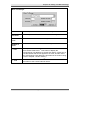
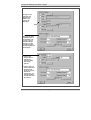
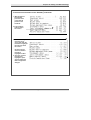
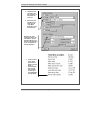
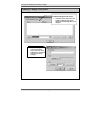
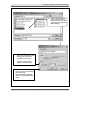
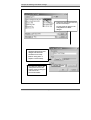
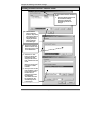
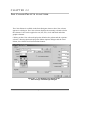
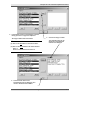
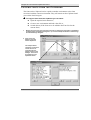
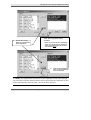
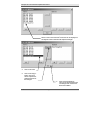
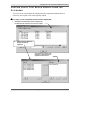
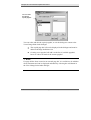
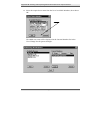
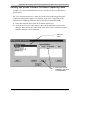
This can be done by setting up a test on the text string ‘Total
Amount Due’ in the data and having the test ‘jump’ to Text Block 5
rather than the next one.
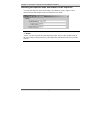
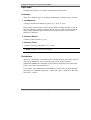
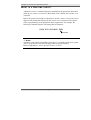
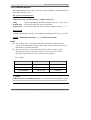
NOTE:
1. You cannot ‘jump’ backwards. If you are in Text Block 6, an ‘End Text
Block’ that tries to jump to Text Block 5 becomes a ‘NEXT’.
2. An attempt to ‘jump’ to a non-existent text block also becomes a jump to
‘NEXT’.
The Paris Designer Reference Manual
261