1
Chapter 10: Functions in the Form Editor File Menu
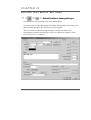
REMOVING
AN O V E R L AI D F O R M
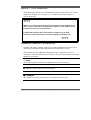
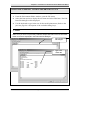
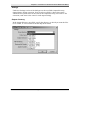
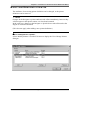
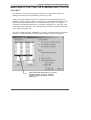
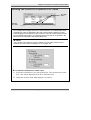
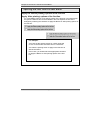
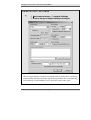
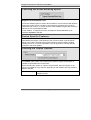
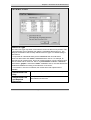
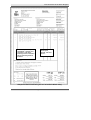
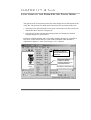
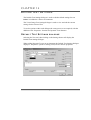
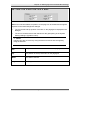
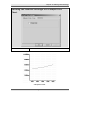
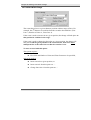
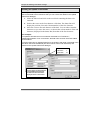
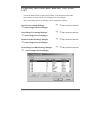
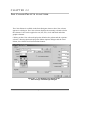
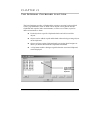
Once you have finished using the overlaid form, you can remove it, then save the
form you have created.
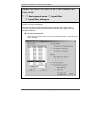
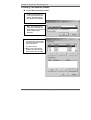
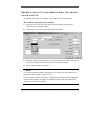
To remove an overlay:
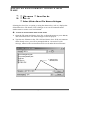
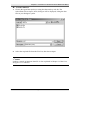
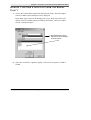
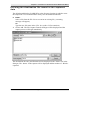
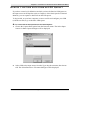
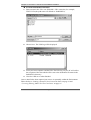
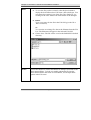
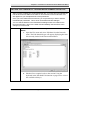
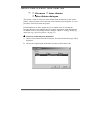
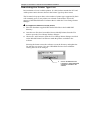
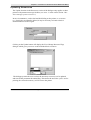
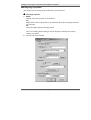
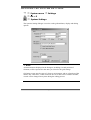
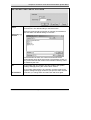
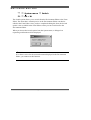
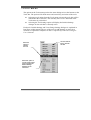
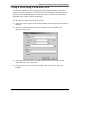
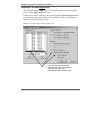
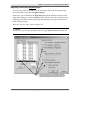
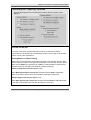
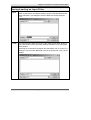
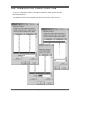
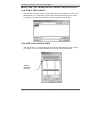
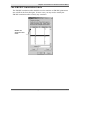
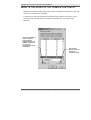
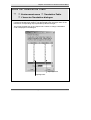
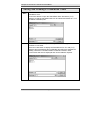
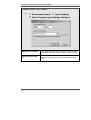
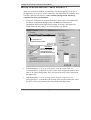
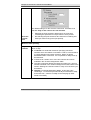
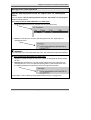
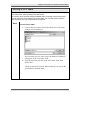
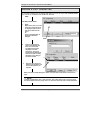
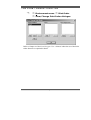
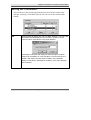
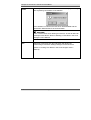
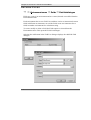
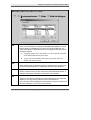
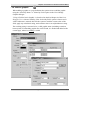
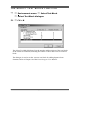
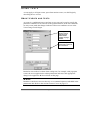
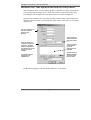
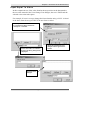
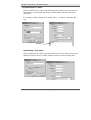
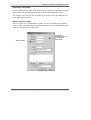
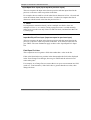
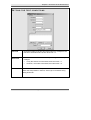
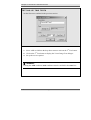
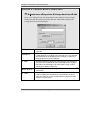
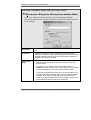
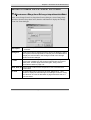
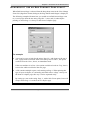
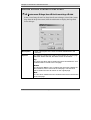
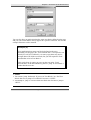
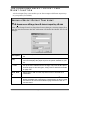
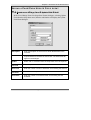
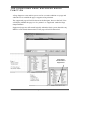
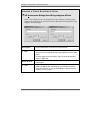
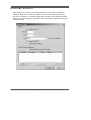
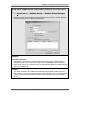
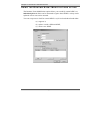
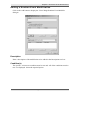
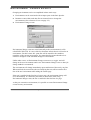
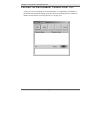
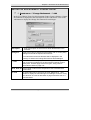
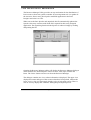
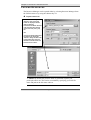
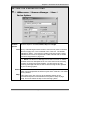
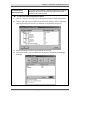
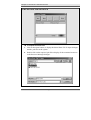
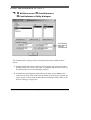
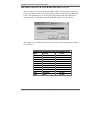
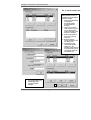
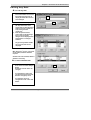
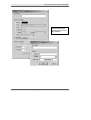
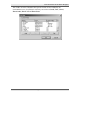
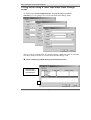
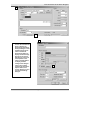
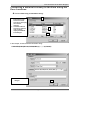
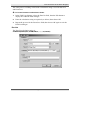
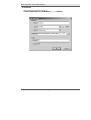
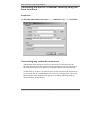
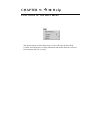
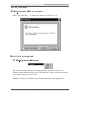
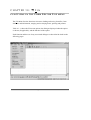
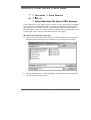
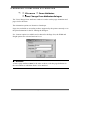
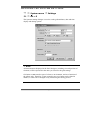
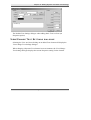
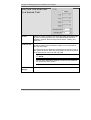
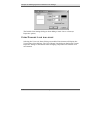
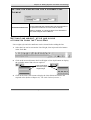
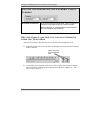
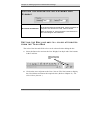
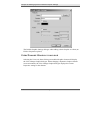
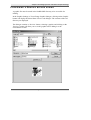
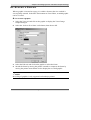
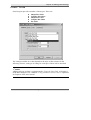
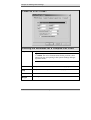
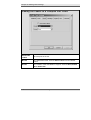
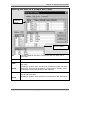
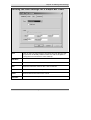
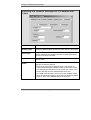
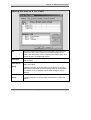
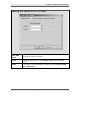
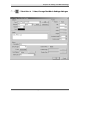
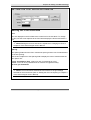
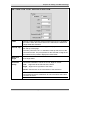
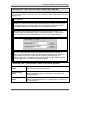
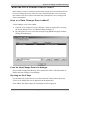
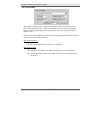
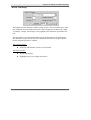
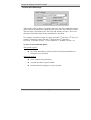
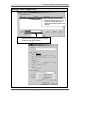
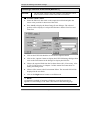
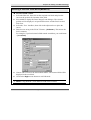
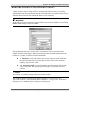
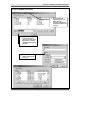
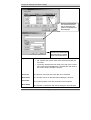
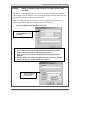
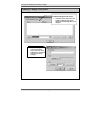
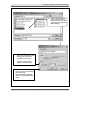
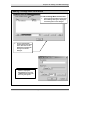
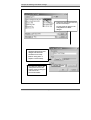
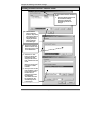
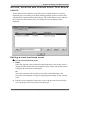
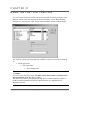
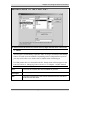
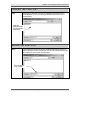
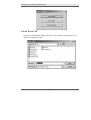
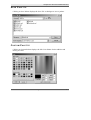
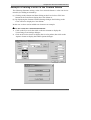
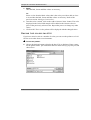
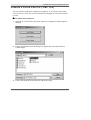
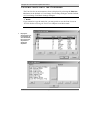
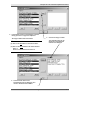
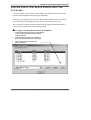
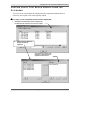
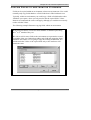
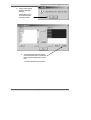
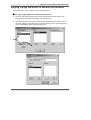
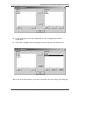
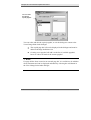
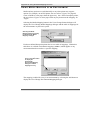
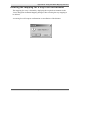
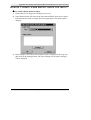
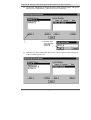
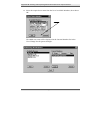
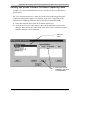
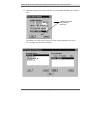
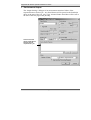
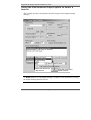
1. Select the Overlay option from the file menu. The Select/Enter File To Load
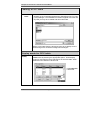
dialogue will be displayed.
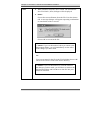
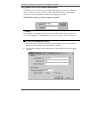
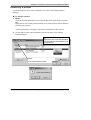
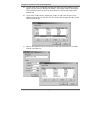
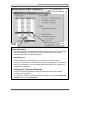
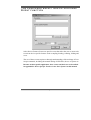
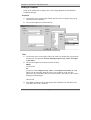
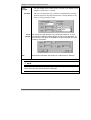
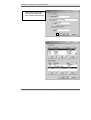
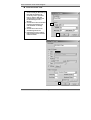
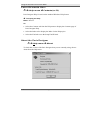
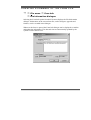
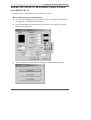
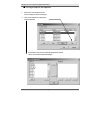
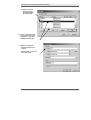
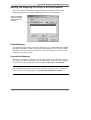
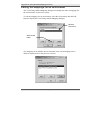
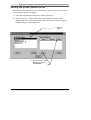
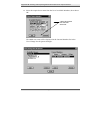
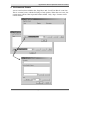
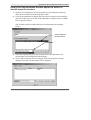
2. Select the form file previously overlaid from the File list.
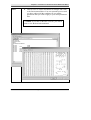
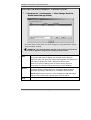
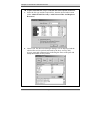
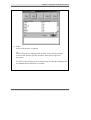
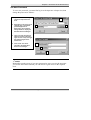
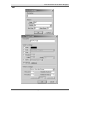
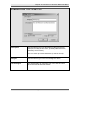
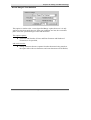
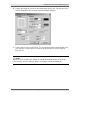
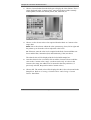
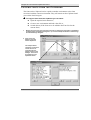
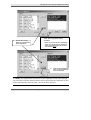
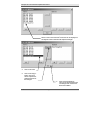
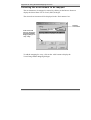
3. Choose Cancel. The overlaid form will be removed from the Form Editor.
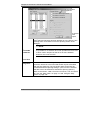
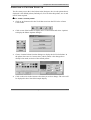
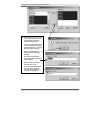
Make any further changes you require to your new/modified form then save
the form.
366
The Paris Designer Reference Manual