1
Appendix D: Device Specific Features in Paris
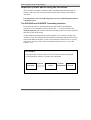
Currently defined hooks
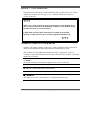
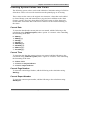
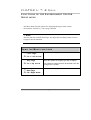
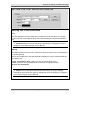
The currently defined hooks are:
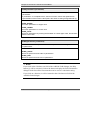
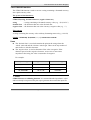
1. Xerox Job Ticket
The user code will be inserted as part of the Xerox Job Ticket This hook is only
available if Job Ticket processing has been activated (the printer XPD file contains
an ‘XPD_XJTVersion’ option). If Job tickets are not active, calls to these features
are ignored. (Refer to Appendix C, ‘Modifying Paris Job Tickets’ of the Paris
Spooler Technical Manual.)
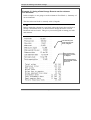
Example: XPDFeature_XJT Binding: “%XRXbinding: binding via job
ticket”
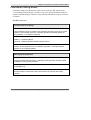
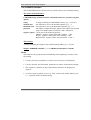
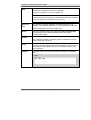
2. Job Level Comment
The user code will be inserted in the Comments section of the PostScript Job
preamble.
Example: XPDFeature_JobComment Binding: “%%Requirements: binding”
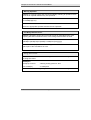
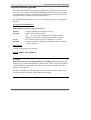
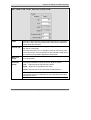
3. Job Level Code
The user code will be inserted in the Code portion of the Postscript Job Preamble.
Example: XPDFeature_JobCode Binding: “1 binding setpagedevice”
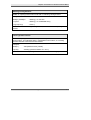
4. Page Preamble
The user code will be inserted at the end of the page preamble. This hook is used
with events only.
Example: XPDFeature_Page Binding: “1 binding setpagedevice”
596
The Paris Designer Reference Manual