1
Problem/
Symptom
Quilting machine stuck in a faster speed than
selected by Pro-Stitcher
Stitch length is much smaller than selected,
machine running faster than it should.
No Patterns or Folders show up in the Design
Library
The current path is pointing to the wrong
drive letter.
Corrective Measure
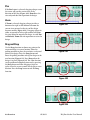
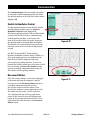
Something has caused the quilting machine to lock
up at a higher speed (tighter SPI) than selected.
Rebooting both the quilting machine and the
Pro-Stitcher computer should resolve the issue.
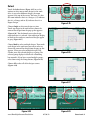
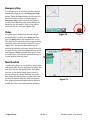
Designs are stored on the computer’s hard drive
and on the removable USB flash drive. If you are
attempting to access designs specifically on the USB
flash drive, make sure the USB flash drive is plugged
in securely to the Pro-Stitcher computer. Press
Cancel if the Open screen is already open, remove
the USB flash drive, wait about 15 seconds, and then
press the Open button again.
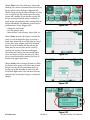
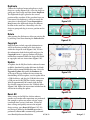
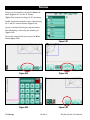
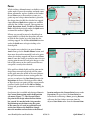
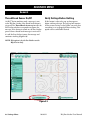
The patterns that come pre-loaded on the Handi
Quilter USB Flash drive are located in a folder called
“Designs” on the USB flash drive (usually drive
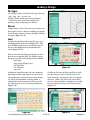
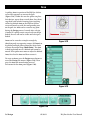
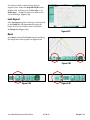
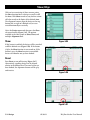
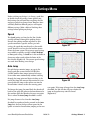
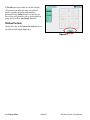
D:\ or E:\). From the Open window, select a drive
letter by pressing on the arrow button next to the
drive you wish to browse. If there is a circle with a
^ symbol on the right-hand side of the button, it
means there are more folders in that particular path.
If there continues to be nothing showing up on the
USB flash drive, plug it into a desktop or laptop
computer and verify that the USB flash drive has
the desired files on it. If the computer says it wants
to “reformat” the flash drive then the flash drive has
gone bad and will need to be replaced. If it opens
but there are no files on the flash drive, contact
Handi Quilter for replacement files*.
*Handi Quilter highly recommends backing up all
pattern files on a home computer or another disk.
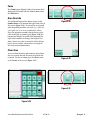
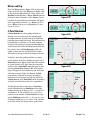
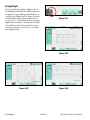
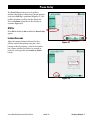
Jumps between repeated patterns
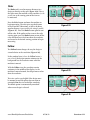
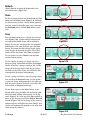
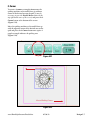
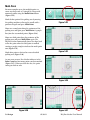
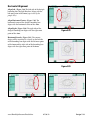
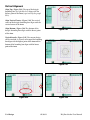
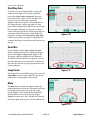
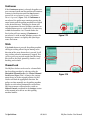
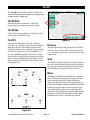
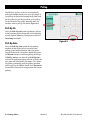
Use of any of the Repeat options results in a jump When using the Repeat functions, if the start and/
between each pattern
or stop points are within the block of the pattern (i.e.
they are not located at the left and right-hand sides
of the pattern block) and/or not at the same height,
there will be a jump between each repeat of the
pattern. This can be corrected by selecting the Point
to Point box in the Repeat screen.
9.4 Troubleshooting
10/04/12
HQ Pro-Stitcher User Manual