1
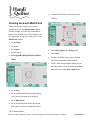
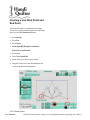
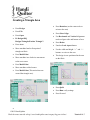
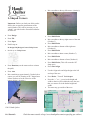
Rotation
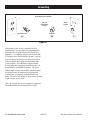
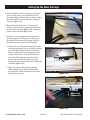
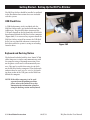
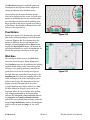
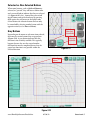
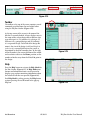
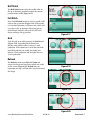
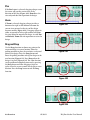
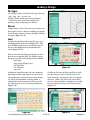
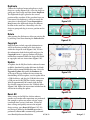
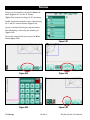
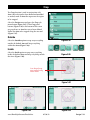
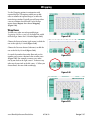
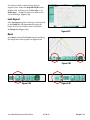
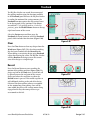
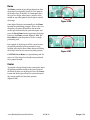
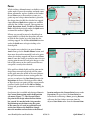
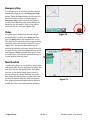
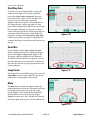
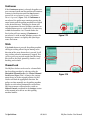
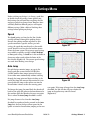
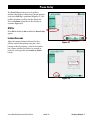
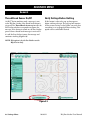
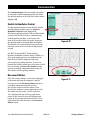
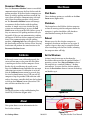
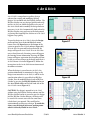
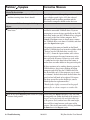
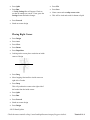
Designs can be rotated by selecting the Rotate sub
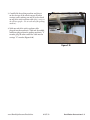
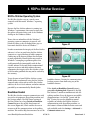
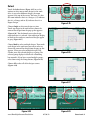
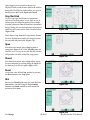
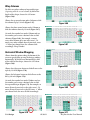
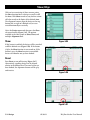
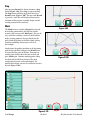
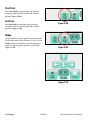
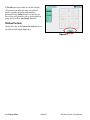
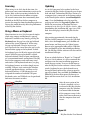
menu (Figure 5.32). Use the 45° buttons
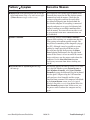
(Figure 5.33) to rotate the design in 45° increments.
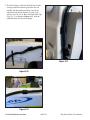
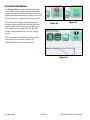
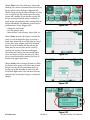
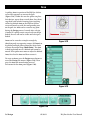
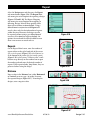
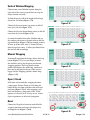
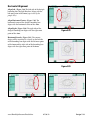
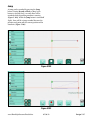
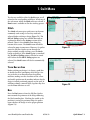
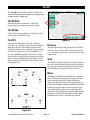
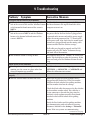
Smaller rotational increments can be achieved using
the 1° and 0.1° rotation buttons (Figure 5.34).
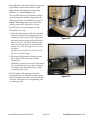
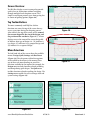
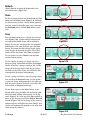
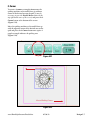
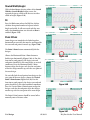
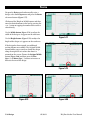
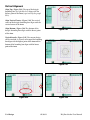
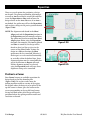
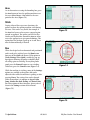
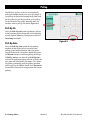
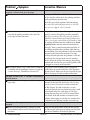
Specify a rotational value by pressing the number
box and entering a value using the number pad
(Figure 5.35).
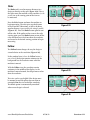
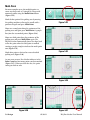
To reset the rotation back to zero, press the Reset
button (Figure 5.36).
5.10 Design
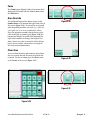
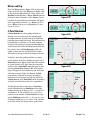
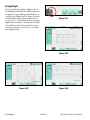
Figure 5.32
Figure 5.33
Figure 5.34
Figure 5.35
Figure 5.36
05/30/13
HQ Pro-Stitcher User Manual