1
Chapter 2 – Enquiries & Processing
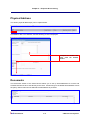
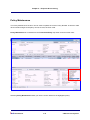
Physical Address
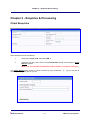
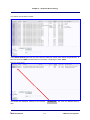
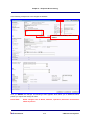
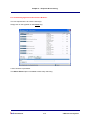
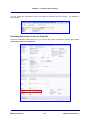
The client’s physical address(es) can be captured here.
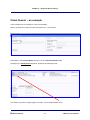
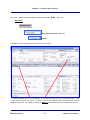
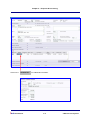
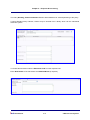
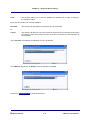
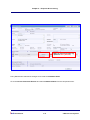
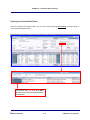
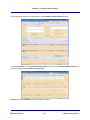
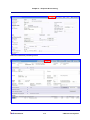
Click New to add a new address, and the following screen is displayed:
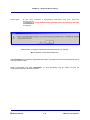
Complete the details and
then click the Submit
button.
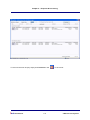
Documents
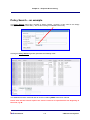
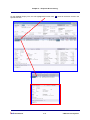
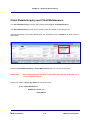
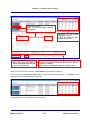
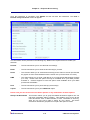
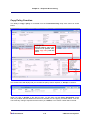
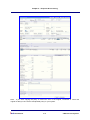
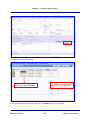
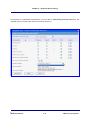
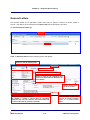
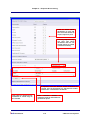
The documents section of the Client Record allows you to set up email addresses for invoice and
schedule documents to be sent directly to the client. Emails will go to the default email address unless
the policy class is listed and an alternative email address is provided.
ibais User Manual
2-19
© BA Insurance Systems