1
LESSON 2
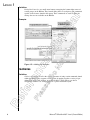
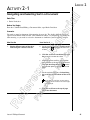
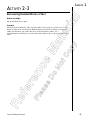
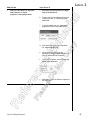
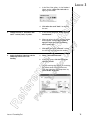
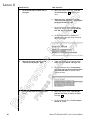
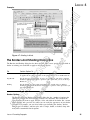
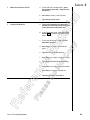
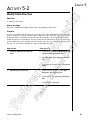
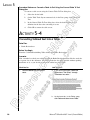
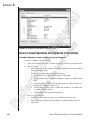
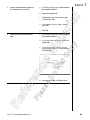
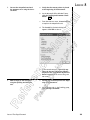
Cut the heading “Our Company
Affiliations” paragraph and blank
line below it.
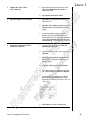
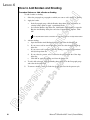
a. In the middle of page 1, select the “Our
Company Affiliations” heading and paragraph and the paragraph formatting
mark that follows.
te
op
r
i
al
y
3.
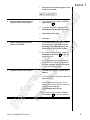
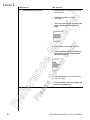
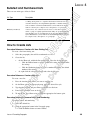
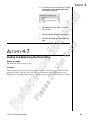
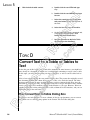
b. On the Home tab, in the Clipboard group,
click the Cut button.
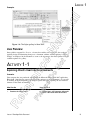
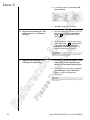
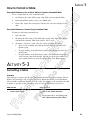
Move the text to page two just
before the “Buying a Home”
heading.
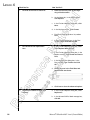
a. Press Page Down twice to navigate to the
middle of the next page.
Ma
4.
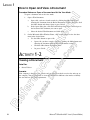
b. Place the insertion point at the beginning of the Buying a Home heading.
Lesson 2: Editing a Document
tC
No
Do
se
ea
Pl
Re
fe
re
n
ce
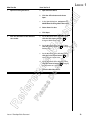
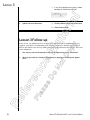
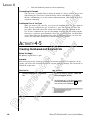
c. On the Home tab, in the Clipboard group,
click Paste.
47