1
6.5.1.3 Managing Device Chains
6.5.1.3.1 Attaching devices to a chain
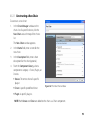
To attach devices to a chain:
1.
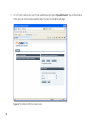
Double click on the chain to which you would like to attach a device.
2.
Click on the Edit Devices button at the top right of the chain window.
3.
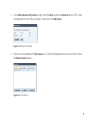
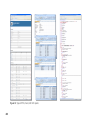
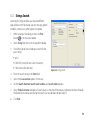
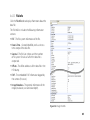
In the Devices For Chain window, click on the Attach Device button.
4.
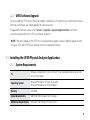
In The Select Device window, select the device you would like to attach to the chain.
Use the Devices list to display only the devices of a specific manufacturer.
Use the Quick Filter field to filter the displayed devices.
5.
Click Select.
6.
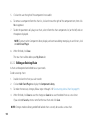
Repeat steps 4 and 5 to add more devices.
7.
When you have finished attaching the devices, click Close.
8.
Click Cancel to close the chain window.
6.5.1.3.2 Setting the Default Device Chain
To set the default chain of a device:
1.
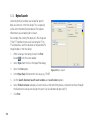
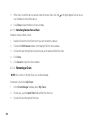
In the Chain Manager window, use the Devices list to locate the device you wish to modify.
2.
Double click on the device to display its chains window.
95