1
2 GETTING STARTED
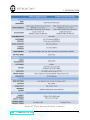
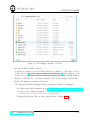
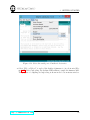
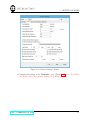
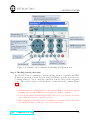
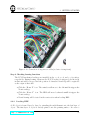
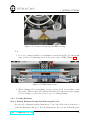
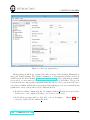
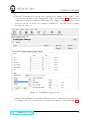
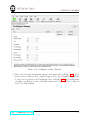
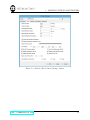
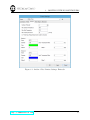
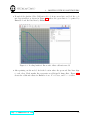
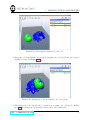
Figure 2.25: Printer Settings: Advanced
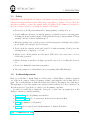
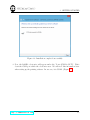
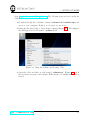
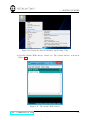
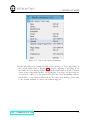
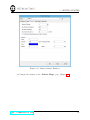
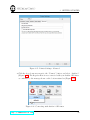
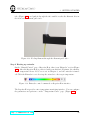
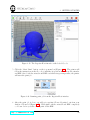
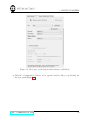
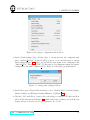
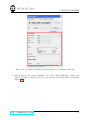
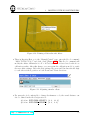
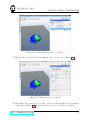
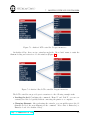
• Click the drop-down arrow next to the “Connect” button, and select “Artifex 2”
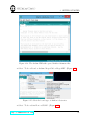
(Figure 2.26). The Repetier-Host is now connected with your Artifex 3D Printer,
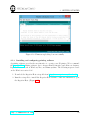
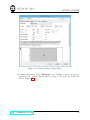
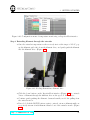
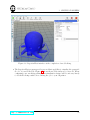
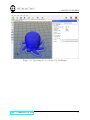
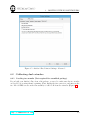
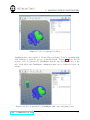
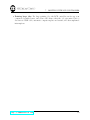
as confirmed by the message shown on the bottom status bar (Figure 2.27).
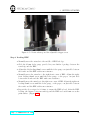
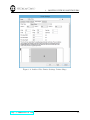
Figure 2.26: Connecting with Artifex 2 3D Printer
http: // 3dmakerworld. com
30