1
USING YOUR REDBIRD TD
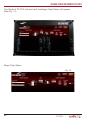
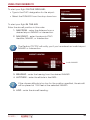
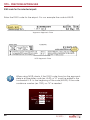
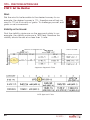
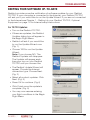
To start your flight ON THE GROUND:
• Type in the ICAO designation for the airport.
• Select the RUNWAY from the drop down box.
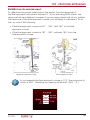
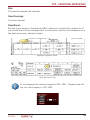
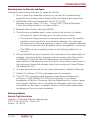
To start your flight IN THE AIR:
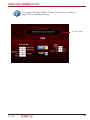
Enter the aircraft position in this order:
1. NM FROM - enter the distance from a
desired airport NAVAID or intersection.
2. NAV IDENT - enter the airports ICAO
identifier, NAVAID, or Intersection.
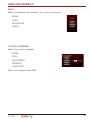
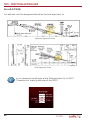
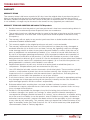
The Redbird TD/TD2 will notify you if you’ve entered an invalid airport
NAVAID or Intersection.
Invalid NAVAID
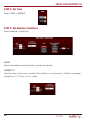
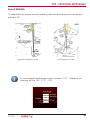
3. BEARING - enter the bearing from the desired NAVAID
4. ALTITUDE - enter the altitude in feet MSL.
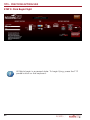
If the chosen altitude is too low for the position specified, the aircraft
will be placed at 1000 feet at the selected NAVAID.
5. HDG - enter the aircraft heading.
25