1
Logging Received Merchandise
Chapter 11 Managing Received Goods
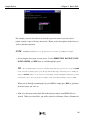
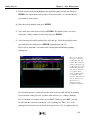
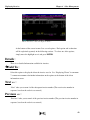
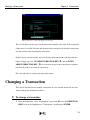
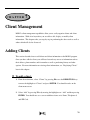
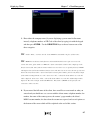
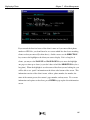
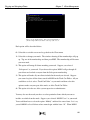
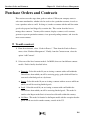
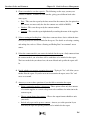
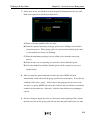
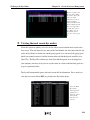
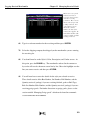
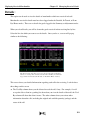
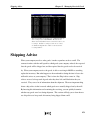
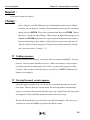
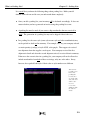
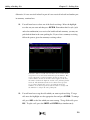
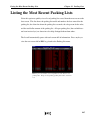
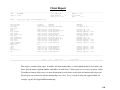
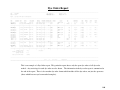
When you receive goods
in detail, you have to
select the contract or dye
order the receiving
pertains to. Here you are
shown a list of open and
pending contracts. For
each contract, you are
shown the contract
number, the date of the
contract, the supplier, the
total dollar amount of the
contract, and the quantity
(yardage) ordered.
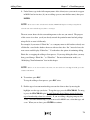
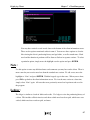
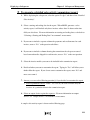
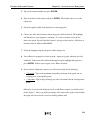
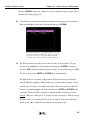
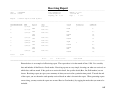
6d. Type in a reference number for the receiving and then press ENTER.
7d. Select the shipping company that shipped you the merchandise you are entering
the receiving for.
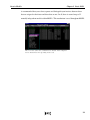
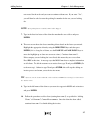
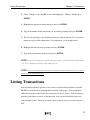
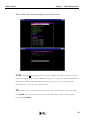
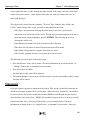
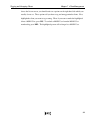
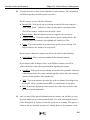
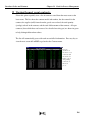
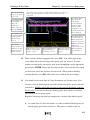
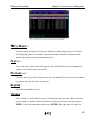
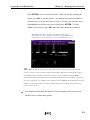
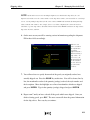
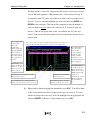
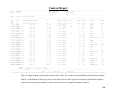
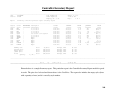
8d. You should now be on the Style #, Color, Description, and Vendor screen. At
this point, press the HOME key. The merchandise ordered in the contract or
dye order will now be shown on screen line by line. Move the highlight over the
line you want to receive and then press ENTER.
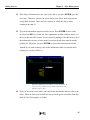
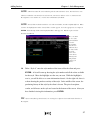
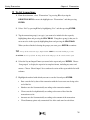
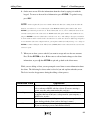
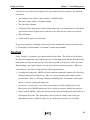
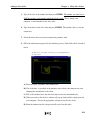
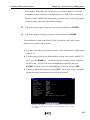
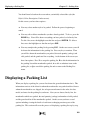
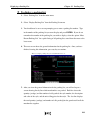
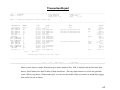
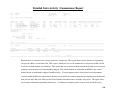
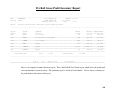
9d. You will now have to enter the details for the style you selected to receive.
These details consist of the Box Number, Lot Number, Roll Number, and the
Quantity received (yardage) if you are receiving finished goods or Bale Type,
Bale Lot Number, Bale Number, and the Quantity received (yardage) if you are
receiving greige goods. For further discussion on greige goods, please see the
section entitled “Managing Greige goods” which can be found in CHAPTER 4:
GOODS IN PROCESS MANAGEMENT.
150