1
Working with Dye Orders
Chapter 10 Goods in Process Management
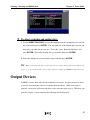
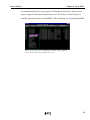
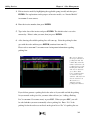
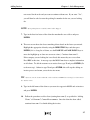
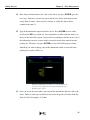
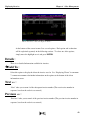
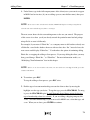
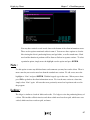
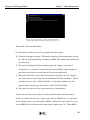
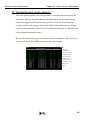
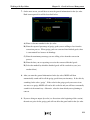
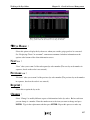
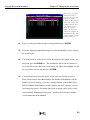
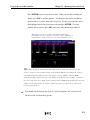
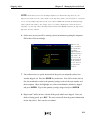
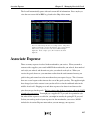
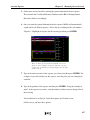
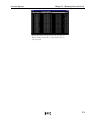
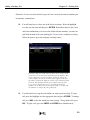
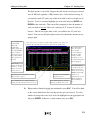
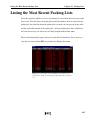
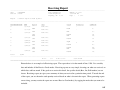
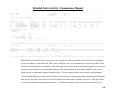
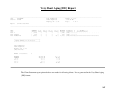
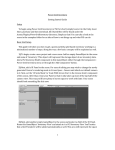
6. After you view the general information for the dye order, you will end up on a screen
showing the greige good to be converted on the first line and the finished goods they
were supposed to be converted to on the other lines. The line with the greige goods
shows the quantity (yardage or pounds) sent to the dye house, the style number and
color (which should be “Greige” or “Greige-Goods”), the number of rolls sent, and
the description. The unit price for the greige good does not affect the grand total if
you did an output dye order. The lines with the finished goods show the quantity
(yardage or pounds) you want produced from the greige good, the style number of the
finished merchandise, the color of the finished good which will be the color you want
the greige good dyed, the description of the good, and the unit cost price to dye that
good. If this is an input dye order, the price of the finished goods will not affect the
grand total. The last line shows you the total quantity (yardage or pounds) of finished
goods you wanted to be produced from the greige good and the grand total for the dye
order.
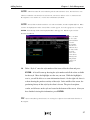
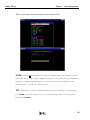
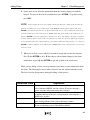
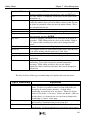
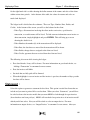
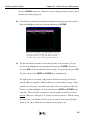
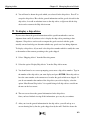
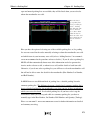
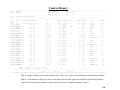
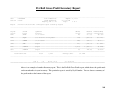
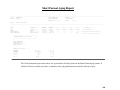
At the bottom of the screen in STEP 6, there are seven options which will each be
discussed below. To use one of the options, simply highlight it and press ENTER. To
go back to the Dye Order menu, press ESC on this screen.
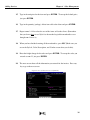
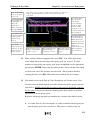
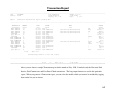
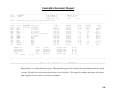
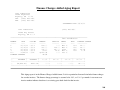
Details :
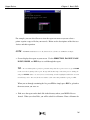
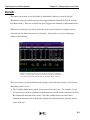
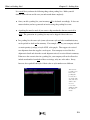
Since greige goods are selected in detail when a dye order is added, you may view these details
while displaying that dye order. After you select Details, you need to press ENTER on the line
which lists the greige good (the first line). A window will then pop up showing you all the
details you need to know.
136