1
Transferring Goods
Chapter 10 Goods in Process Management
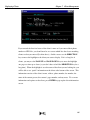
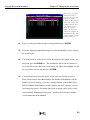
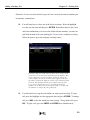
to add other items to the list of merchandise transferred. To remove an item, press the HOME
key, highlight the appropriate line, and press DEL. To increase or decrease the quantity
(yardage) of an item, press the HOME key, select the appropriate line, and enter the new value.
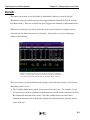
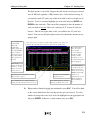
When you are done modifying the transfer, press ESC. You will be returned to the screen with
the general information for the transfer and the contents of the transfer will be updated
accordingly.
Voiding a transfer/move:
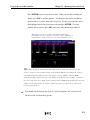
For the security of your company, no one may delete a transfer from MOD2. You may,
however, void a transfer when the need arises. When you attempt to void a transfer, you
will be asked for an authorization code. Please see your system supervisor for the
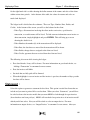
password. After you have voided a transfer, you will see “VOIDED” blinking in red
when you display it. The record of the transfer will also be removed from the history of
the goods which were transferred.
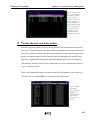
Listing the most recent transfers/moves:
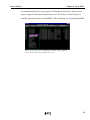
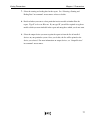
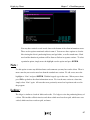
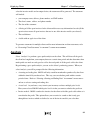
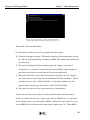
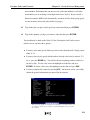
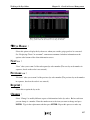
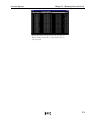
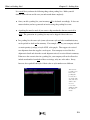
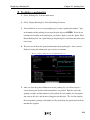
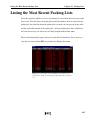
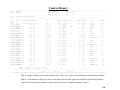
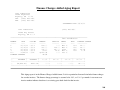
Select this option to quickly view a list of transfers sorted from the most recent to the
least recent. This list shows the model and number of the transfer, the date entered for
the it, and the location where the goods were transferred to.
The list will automatically pause with each screen-full of information. Press any key to
view the next screen-full or ESC to go back to the Transfer/Move menu.
145