1
PR5524_10user.qxd
03/11/2004
12:08
Page 26
User Manual
GardTec 595
Changing The Chime Status
(Master code only)
The Chime zones will have previously been programmed by your installation company.
A Master level code may change the status of the chime between On and Off. To do
so proceed as follows:1)
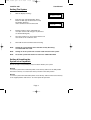
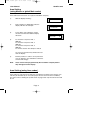
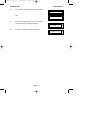
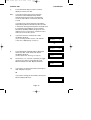
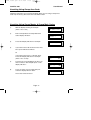
With the display showing ' Un ' enter a Master code
2)
The display will show ' SE ' (flashing)
3)
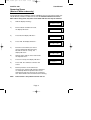
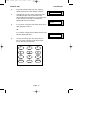
Press NO four times the display will show ' Ch '
4)
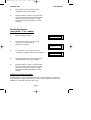
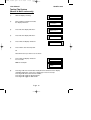
Press YES, the display will show ' oF ' or ' on '
5)
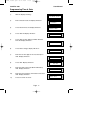
Press NO to change the Chime status.
6)
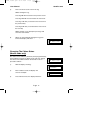
When you have finished press 0 twice to return to the Unset condition.
Programming User Codes
(Master code only)
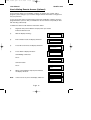
This function is only available via an LCD RKP
Page 26