1
Upload to Flickr
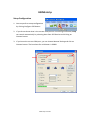
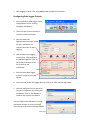
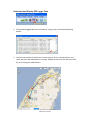
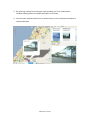
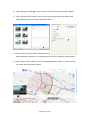
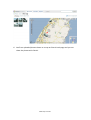
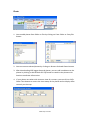
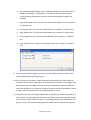
1. You can upload photos to Flickr to share with others by clicking on Upload to
Flickr button.
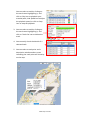
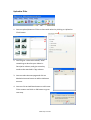
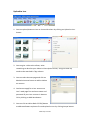
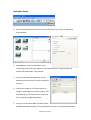
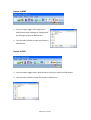
2. You can give a title to the album, write
something to describe your album in
Description column, and give some key
words to be searched in Tags column.
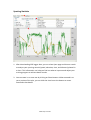
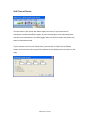
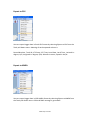
3. You can select Account page and click on
Maintain Account button to add or delete an
account.
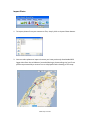
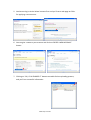
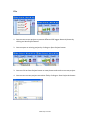
4. You can click on Add New button to add a new
Flickr account and click on OK button to go to
next step.
www.ntrip.com.tw