1
DAS-8000 ver. 2.5
Once the numerical value of the generator error is entered on the
display, press the Validation key.
“SPAN” OR HIGH VALUE SETTING:
Repeat the same process for the Span (range width).
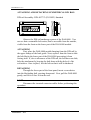
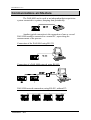
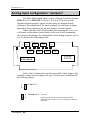
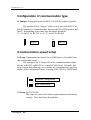
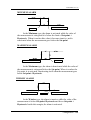
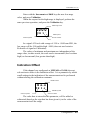
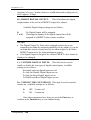
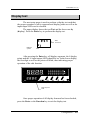
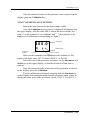
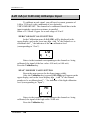
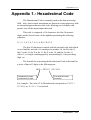
Once the Validation key is pressed, 4 digits will be displayed on
the upper display, with the value 400.0, and on the lower display Ajx -,
with "x" as the channel no. to recalibrate and " - " the indicator of the
high level of calibration (corresponding to “Span”).
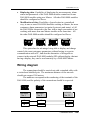
400.0
AJ
Calibration
symbol
x
_
HIGH value
HIGH symbol
Channel number
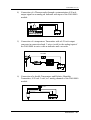
Enter via the terminals corresponding to the channel no., the
signal of the high value: 247.05 Ohms (400.0° C of Pt-100).
Enter the error of the generator, as before, via the Increment and
Shift keys on the upper display, so that the deviation of that error is
marked.
Once the numerical value of the error of the generator is entered
on the display, press the Validation.
Test the calibration performed, returning with the Function key
to the Display menu and generating from the generator mean values, so
that its precision in the scale is ensured, (from -150.0° C to 600.0° C).
Calibration / 137