1
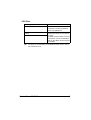
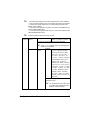
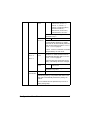
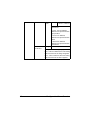
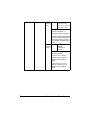
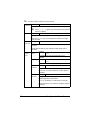
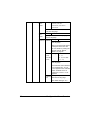
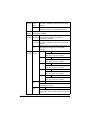
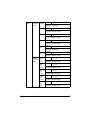
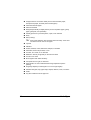
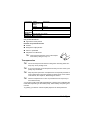
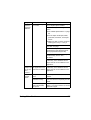
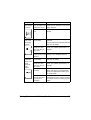
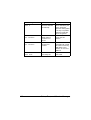
Press Key
Until Display Reads
“Job name”
,
Desired job name
PRINT
DELETE
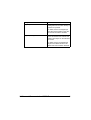
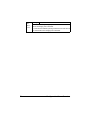
If the selected print job was set as a secured job
from the printer driver, a screen for entering the
password appears. For details on typing the
password, refer to “Entering a Password” on page
32.
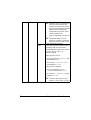
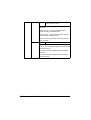
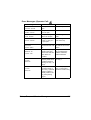
2
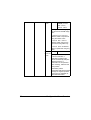
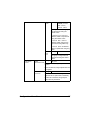
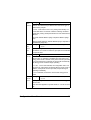
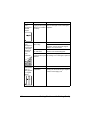
Select PRINT or DELETE, and then press the Menu/Select key.
"
3
4
5
6
If PRINT was selected, continue with step 3.
If DELETE was selected, continue with step 5.
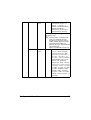
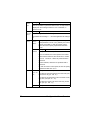
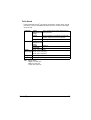
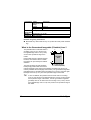
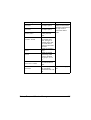
Press the Up and Down keys to specify the number of copies to be
printed. (Settings: 1 to 999; Default: 1)
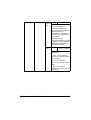
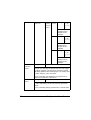
Press the Menu/Select key.
Printing begins.
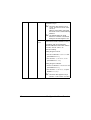
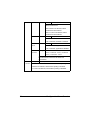
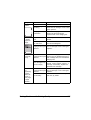
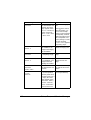
Select YES or NO.
Press the Menu/Select key.
If YES was selected, the print job is deleted.
If NO was selected, the PRINT/DELETE selection screen appears
again.
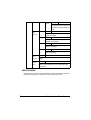
Entering a Password
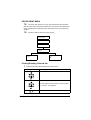
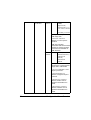
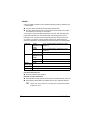
If the print job selected in the PROOF/PRINT MENU is a secured job, a
screen for entering the password appears. Follow the procedure described
below to type in the four-digit password specified from the printer driver.
1
2
32
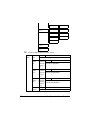
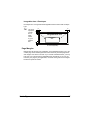
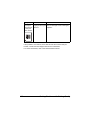
Press the Up and Down keys to increase or decrease the first digit of the
password.
Press the Right key to move the cursor to the next digit.
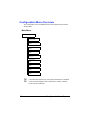
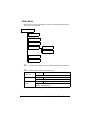
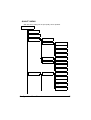
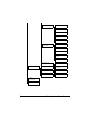
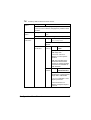
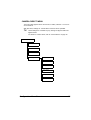
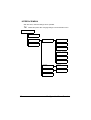
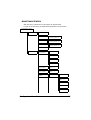
Configuration Menu Overview