1
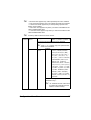
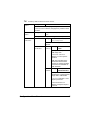
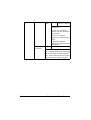
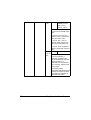
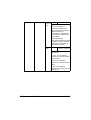
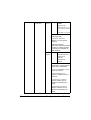
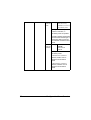
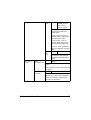
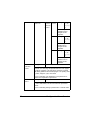
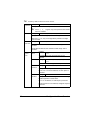
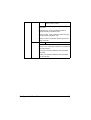
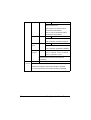
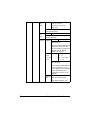
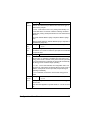
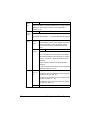
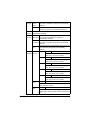
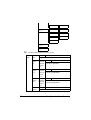
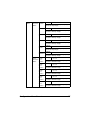
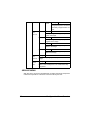
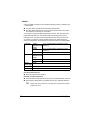
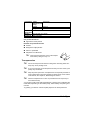
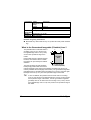
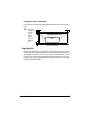
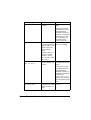
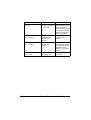
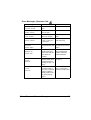
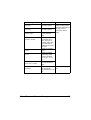
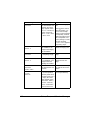
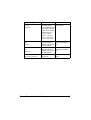
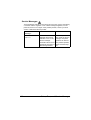
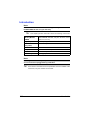
Select the setting for the size of media loaded into Tray 2. " This menu item appears only if SIZE SETTING is set to USER SELECT. With any other setting, the media size set for TRAY2 is automatically detected. " The default setting for North America is LETTER. The default setting for all other regions is A4. CUSTOM SIZE Specify the media size when custom-sized media is loaded into Tray 1. The setting units can be switched between millimeters and inches with the SYSTEM-PAPER-UNIT OF MEASURE setting. Setting range for WIDTH For MILLIMETERS: 90 to 311 mm (The default is 216.) For INCHES: 3.55 to 12.25 in. (The default is 8.50.) Setting range for LENGTH For MILLIMETERS: 140 to 457 mm (The default is 279.) For INCHES: 5.50 to 18.00 (The default is 11.00.) " This menu item appears only if PAPER SIZE is set to CUSTOM. 40 Configuration Menu Overview