1
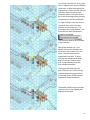
To do so select your unit exactly as you did for movement. Now with the Control (Ctrl) Button pressed,
place the mouse over the adjacent enemy unit. A crosshairs will appear. Right click to Fire.
The results of your fire will be shown on screen – either there will be no effect, or you’ll cause a loss, or
possibly disrupt the enemy (the results will be yellow), or cause it to be broken (the results will be red).
Most direct fire occurs against adjacent hexes.
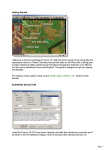
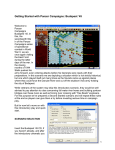
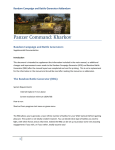
In our example above the
Marder unit has fired and
reduced the Soviet Infantry by
four men.
As our unit movement is now
orange we can no longer fire
and probably have insufficient
movement points to move.
(Tip: Enemy unit information, with fog of war active, will be hidden from you and summarized as X = less
than 10 men, XX= 10 to 99 men and XXX = 100 to 999 men. With both direct and indirect fire, if more
than one enemy unit exists in a hex, you are given the option to select a target should your weapons be
appropriate).
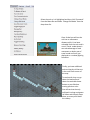
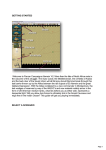
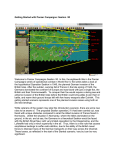
Now let’s fire some artillery. Select the Artillery Dialog from the Tool Bar
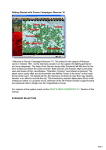
The Artillery Dialog shows that we have
one available artillery unit in range of an
enemy unit.
Available artillery that are either out of
range or do not have a spotted target are
grayed out.
This status may change during play as
new enemy units are spotted.
(Tip: Always check the Artillery Dialog before ending your turn, to see if any of your artillery can fire on
newly spotted enemy units).
8