1
03/09 AWB2723-1617en
Commissioning
Creating a target
configuration
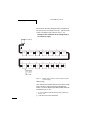
Before the SWD gateway can exchange data with the PLC, it
must store the found configuration of the SWD slaves
internally as a target configuration.
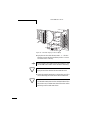
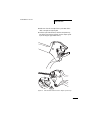
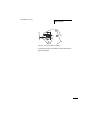
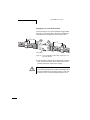
X Press
h
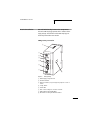
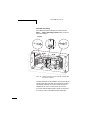
the “Config.” button for at least 2 seconds.
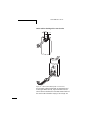
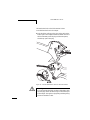
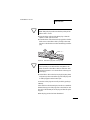
The function of the “Config.” button is disabled as long as
communication with the field bus master is active. If
necessary, interrupt communication by pulling out the
field bus plug. While the SWD gateway is determining the
configuration, the SWD LED flashes in the colour orange,
frequency (1 Hz). For the connected SWD slaves the status
LED for diagnosis of the SWD network flashes in the colour
green, frequency (1 Hz).
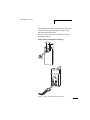
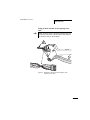
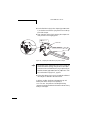
The SWD gateway stores the found configuration internally
as a target configuration and is in the SWD mode “Failsafe”.
It exchanges so-called zero data with the SWD slaves. All
SWD slaves are operated in “safe status” i.e. their digital
outputs are switched off.
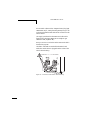
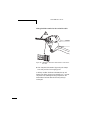
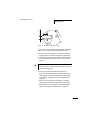
With the aid of this target configuration the SWD gateway
checks each time the voltage supply is switched back on
whether the number and type of SWD slaves present on the
SWD network are unchanged and whether the SWD
topology is functional with these.
106