1
03/09 AWB2723-1617en
Commissioning
X Prior to
reconfiguration interrupt the connection to the
field bus master by pulling out the field bus plug.
Switching on in the case of a deliberately changed
actual configuration
In this case the changed actual configuration must be saved
as a new target configuration.
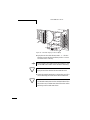
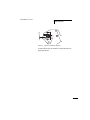
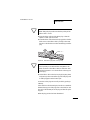
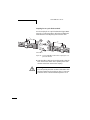
X Press
the “Config.” button for at least 2 seconds.
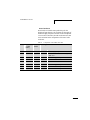
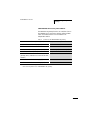
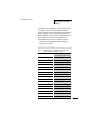
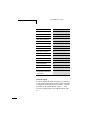
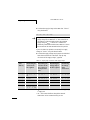
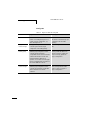
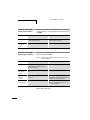
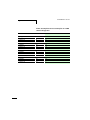
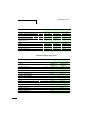
Please refer to the table “LED indication after creating a new
target configuration”.
X Change
the project configuration for the field bus master
in the configuration software for the PLC in accordance
with the changed actual configuration.
X Reconnect to the field bus master.
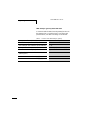
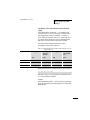
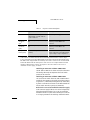
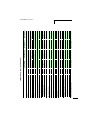
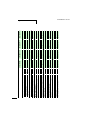
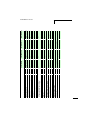
The SWD gateway is then in the SWD mode “Normal” and
is ready for data interchange (a "LED indication of the
SWD gateway after changeover to the SWD mode
“Normal”“, page 112).
h
Caution!
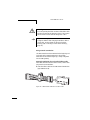
First of all check whether your actual configuration has
been changed unintentionally, e.g. by detaching a device
connector. In this case the changed actual configuration
must not be saved as a new target configuration because
an SWD slave that can no longer be found would thereby
be removed permanently from the target configuration.
Remedy:
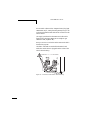
With the aid of the status LED ascertain which of the SWD
slaves is no longer being found by the SWD gateway. Then
check where there is a possible damage to the SWD cable or
an SEL link is missing.
h
110
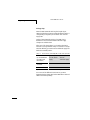
If an SWD slave is no longer connected, the SWD LED is
switched off.