1
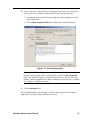
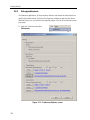
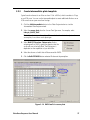
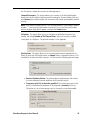
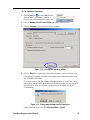
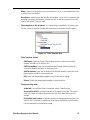
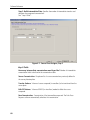
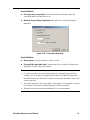
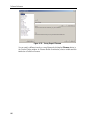
2. Select Maintain survey history if you want to re-use the current plate survey for more than one transfer operation for a specified period of time. For more information, go to "Survey History” on page 80. 3. Select Run-specific or Plate-specific output files. Run-specific: Store all transfer report data in one file. Plate-specific: Store the transfer report data in separate files, based on source or destination plates (depending on which process order you specified in the Plate Design window 4. Customize transfer and survey reports: File type: Select XML, CSV, and/or TXT file formats. Format: Customize the transfer report header, body, and footer. Directory: Change the directory location for the transfer report. Filename: Change the file name for the transfer report These options will be used as default settings for all transfer protocols. If you want to change the options for an individual protocol, use the Options tab. See "Preferences” on page 87 or “Protocol Options" on page 79 for details. The software is set up. You are ready to create and run a transfer protocol. Echo Dose-Response User Manual 15