1
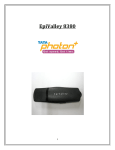
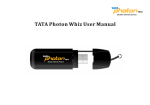
DESCRIPTION(INDEX) Tata Indicom is launching Tata Indicom Huawei (EC-325) Vdata USB Modem; it is a wireless network card which fits into a USB slot, available on most Desktops and notebook PCs, functioning as a wireless network card, a modem, and a mobile phone. Using the Vdata USB Modem, a user wirelessly connects a Desktop or laptop directly to the Internet, Intranet, corporate e-mail or a host of other corporate applications - without the need for a wireless phone or landline connection. Features: - Supports standard Mini USB interface - Internal antenna - Max Data speed up to 153.6kbps - Phone book -1000 entries. - T-SIM card based - Supports Windows 2000/Windows XP/Windows Vista INSTALLATION GUIDE FOR WINDOWS(INDEX) Installation and Configuration: Step 1: Install EC325 Manager Step 2: Insert the Vdata Card in the laptop Step 3: Installs the driver automatically Step 4: Start EC325 Manager Attention! : Do not insert the Vdata card before installing the EC325 Manager. STEP 1: Insert the CD in to the CD ROM Drive 3