1
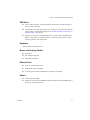
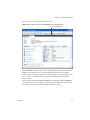
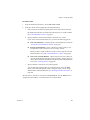
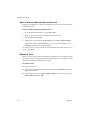
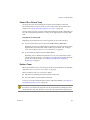
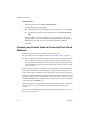
Workstation User’s Manual From the Welcome page, you can: 2 Browse to a virtual machine file. Open a recently used virtual machine. Download a virtual appliance from the VMTN (VMware Technology Network) Web site. Open a virtual machine. For instructions on using and configuring VMware Player, see the online help provided in VMware Player. From the VMware Player menu bar, choose VMware Player > Help. 3 To exit VMware Player, do one of the following: Shut down the guest operating system in the virtual machine. VMware Player closes after the guest operating system shuts down. In VMware Player, choose VMware Player > Exit (Windows) or VMware Player > Quit (Linux). VMware Player either suspends or powers off the virtual machine, depending on the preference you set for exit behavior in VMware Player > Preferences. When you exit VMware Player that is using a streamed virtual machine, you are prompted to save or discard changes. If you discard changes, the directory that was created on your local machine and all the virtual machine data are deleted. 216 VMware, Inc.