1
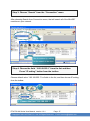
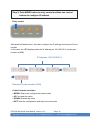
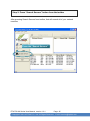
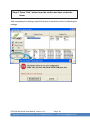
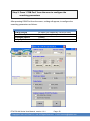
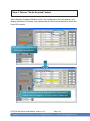
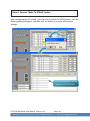
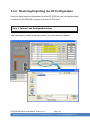
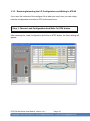
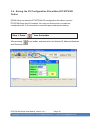
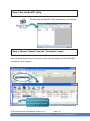
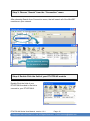
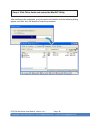
Step 2: Press “COM Port” from the menu to configure the
searching parameters
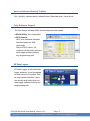
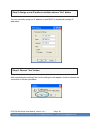
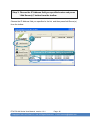
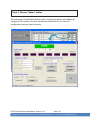
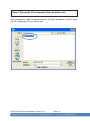
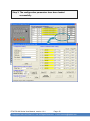
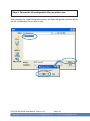
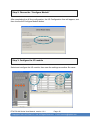
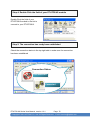
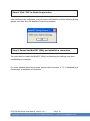
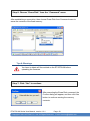
After pressing COM Port from the menu, a dialog will appear, to configure the
searching parameters as follows:
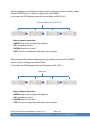
Form
COM to search
Baud Rate Option
Checksum Option
Parity Option
Parameter
As name you created by VxComm Utility
Any baud rate options you can choose
Disable
None (N,8,1)
ET-87P2/4/8 Series User Manual, version 1.0.1
Page: 50
Copyright © 2011 ICP DAS Co., Ltd. All Rights Reserved.
Ethernet
E-mail: [email protected]