1
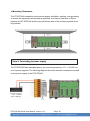
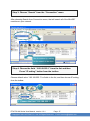
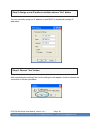
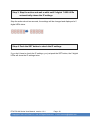
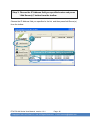
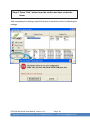
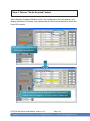
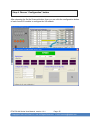
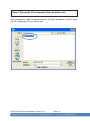
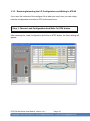
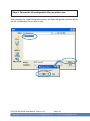
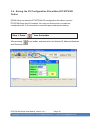
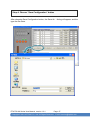
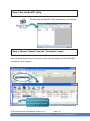
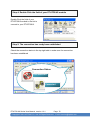
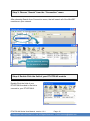
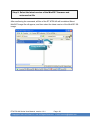
Step 3: Press “
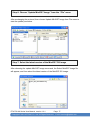
After pressing
” from the toolbar
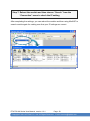
from toolbar, that will search all modules are available.
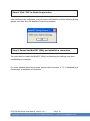
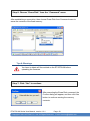
See the status tip, waiting
for the search to be done.
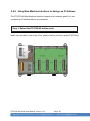
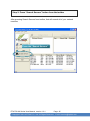
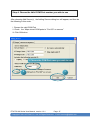
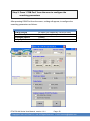
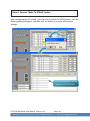
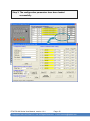
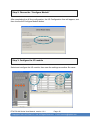
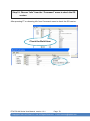
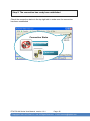
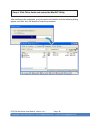
Step 4: The connection has been successfully completed
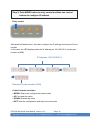
After the search has been done, the name of the ET-87P2/4/8 will display in the list.
The address of the ET-87P2/4/8 is always the 1.
ET-87P2/4/8 Series User Manual, version 1.0.1
Page: 51
Copyright © 2011 ICP DAS Co., Ltd. All Rights Reserved.
Ethernet
E-mail: [email protected]