1
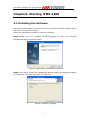
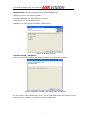
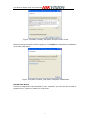
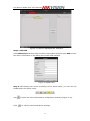
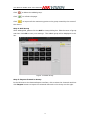
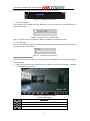
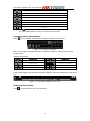
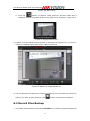
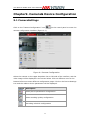
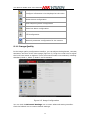
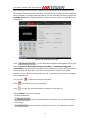
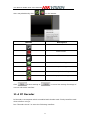
User Manual ofiVMS-4200 Client Software relative positions. Click on those directional buttons to control the PTZ function, or click the directional buttons on the PTZ control panel. You can also control the PTZ direction by the directional buttons on your keyboard. You can control PTZ by dragging and clicking the mouseon the play window. Figure 5.5 Soft Directional Control Use the mouse to click on the video image, and then drag the mouse to different directions by following the arrows displayed on the video:Upper Left; Up; Upper Right; Left; Right; Lower Right; Down; Lower Right. The PTZ will move to the direction as the arrow goes. Descriptionof buttons on PTZ Control Panel: Button Description Zoom Focus Iris 3D Positioning Light Wiper Directional buttons, click to start/stop auto-scan. Speed adjustment for PT function Preset configuration Pattern configuration Patrol configuration 33