1
User Manual ofiVMS-4200 Client Software
11.3 AddingCameras to TV Wall
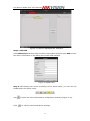
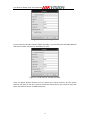
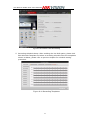
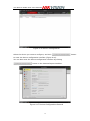
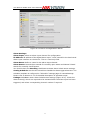
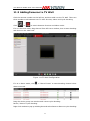
Click the camera number on the left bar, and then add it to the TV Wall. There are
three modes to add cameras into TV wall: Preview, Alarm and Cycle decoding.
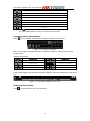
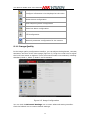
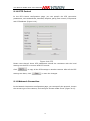
Click
or
to switch between Preview and Alarm mode.
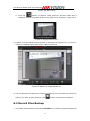
If it is in Preview mode, drag channel from left list to window, then it start decoding
and show on the video wall.
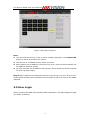
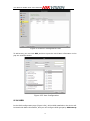
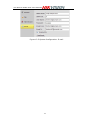
Figure 11.6TV Wall Configuration
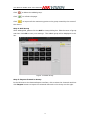
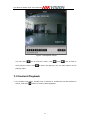
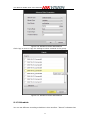
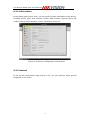
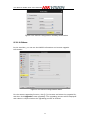
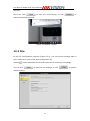
If it is in Alarm mode, click
in “Alarm Events” to start decoding channel when
alarm occurred.
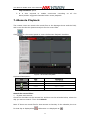
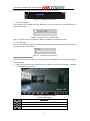
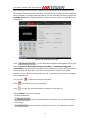
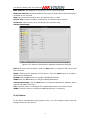
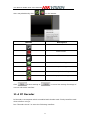
Drag the whole group into window and it start cycle decoding.
Pause / Recover cycle decoding
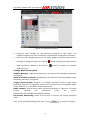
Right click window to pop up a dialog box and select Pause or Recover cycle decoding.
95