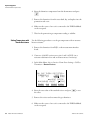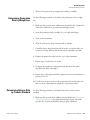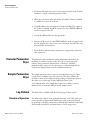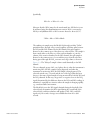
1
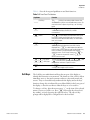
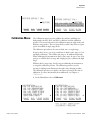
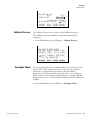
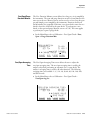
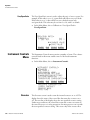
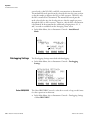
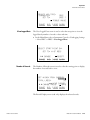
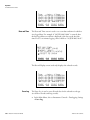
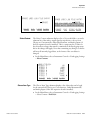
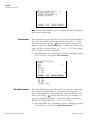
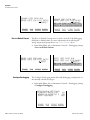
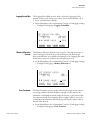
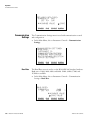
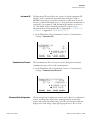
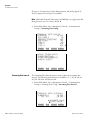
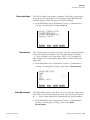
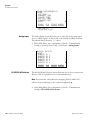
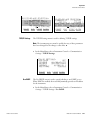
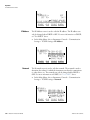
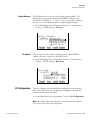
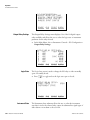
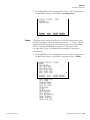
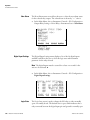
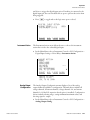
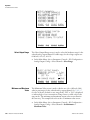
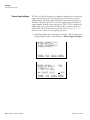
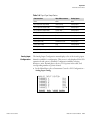
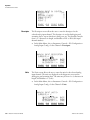
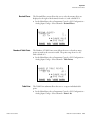
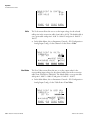
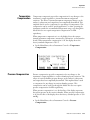
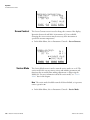
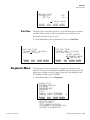
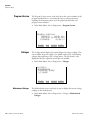
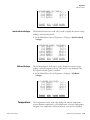
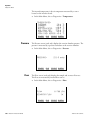
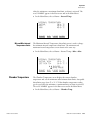
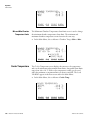
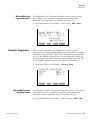
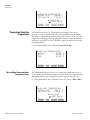
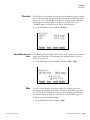
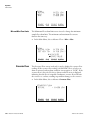
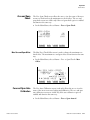
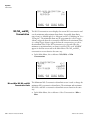
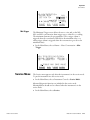
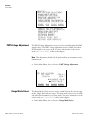
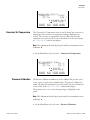
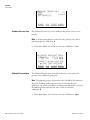
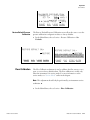
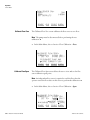
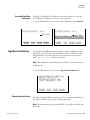
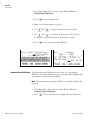
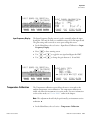
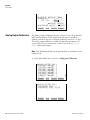
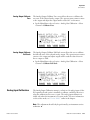
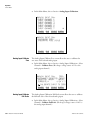
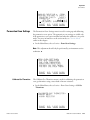
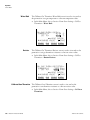
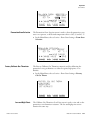
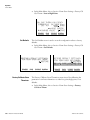
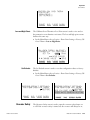
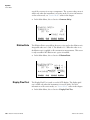
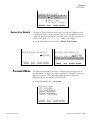
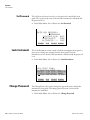
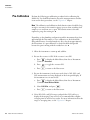
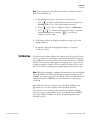
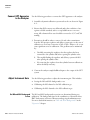
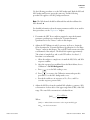
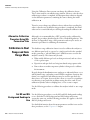
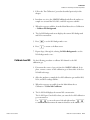
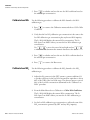
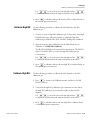
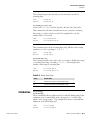
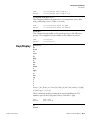
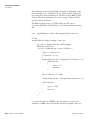
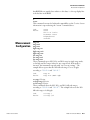
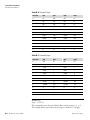
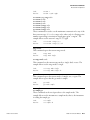
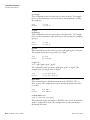
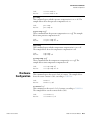
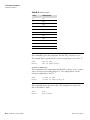
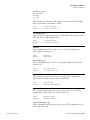
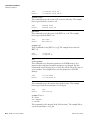
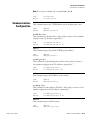
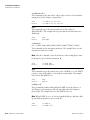
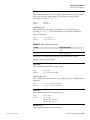
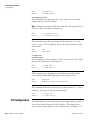
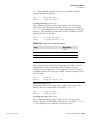
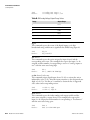
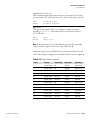
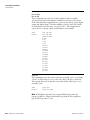
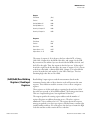
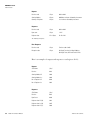
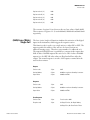
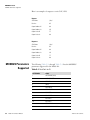
Operation Instrument Controls Menu Decimal Places The Decimal Places screen allows the user to select how many digits are displayed to the right of the decimal, from 0 to 6, with a default of 2. ● In the Main Menu, choose Instrument Controls > I/O Configuration > Analog Input Config > Select Channel > Decimal Places. DECIMAL PLACES: CURRENTLY: SET TO: 2 3 ? ©ª CHANGE VALUE SAVE VALUE RANGE Number of Table Points AVG DIAGS ALARM The Number of Table Points screen allows the user to select how many points are used in the conversion table. The points range from 2 to 10, with a default of 2. ● In the Main Menu, choose Instrument Controls > I/O Configuration > Analog Input Config > Select Channel > Table Points. NUMBER OF TABLE POINTS: CURRENTLY: 2 SET TO: 10 ? ©ª CHANGE VALUE SAVE VALUE RANGE Table Point DIAGS ALARM The Table Point submenu allows the user to set up an individual table point. ● Thermo Fisher Scientific AVG In the Main Menu, choose Instrument Controls > I/O Configuration > Analog Input Config > Select Channel > Point 1-10. Model 42i Instruction Manual 3-53