1
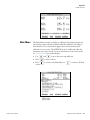
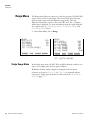
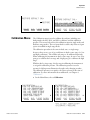
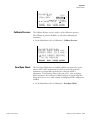
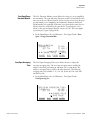
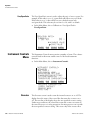
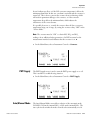
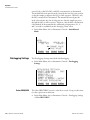
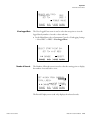
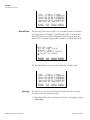
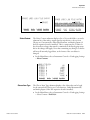
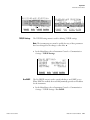
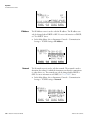
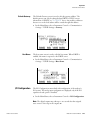
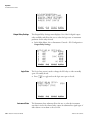
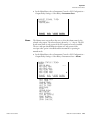
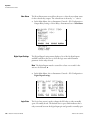
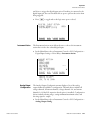
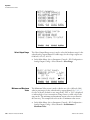
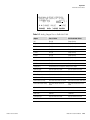
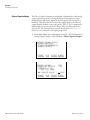
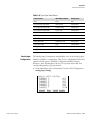
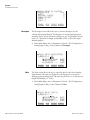
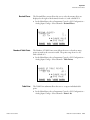
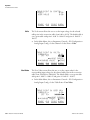
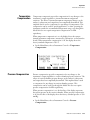
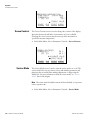
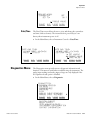
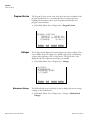
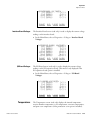
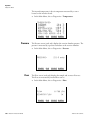
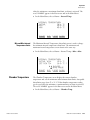
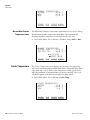
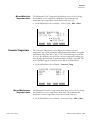
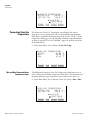
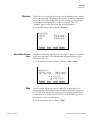
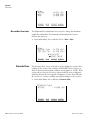
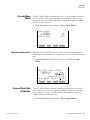
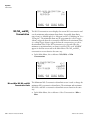
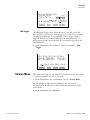
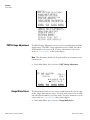
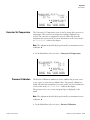
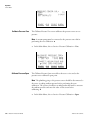
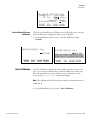
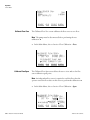
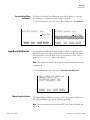
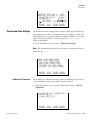
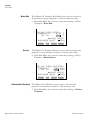
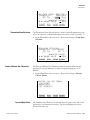
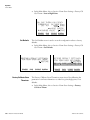
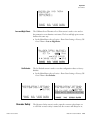
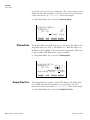
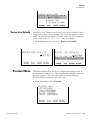
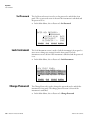
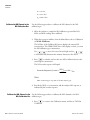
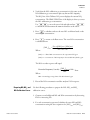
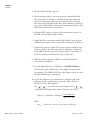
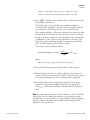
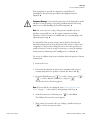
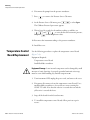
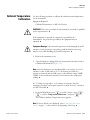
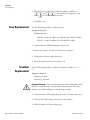
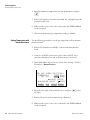
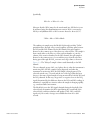
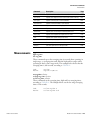
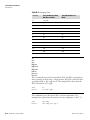
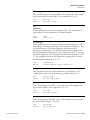
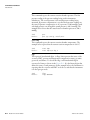
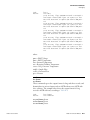
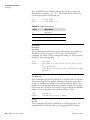
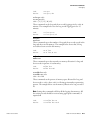
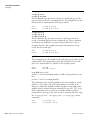
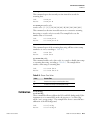
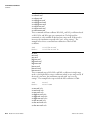
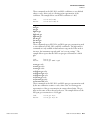
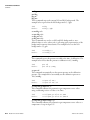
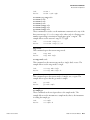
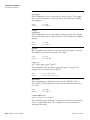
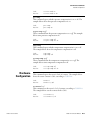
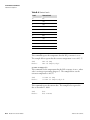
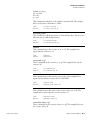
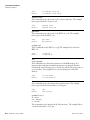
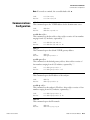
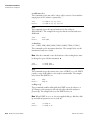
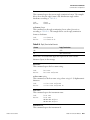
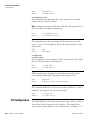
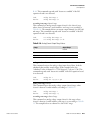
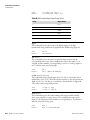
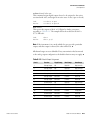
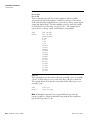
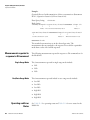
Operation Instrument Controls Menu Time date flags 10:01 06/20/05 FC0088900 10:02 06/20/05 FC0088900 10:03 06/20/05 FC0088900 10:04 06/20/05 FC0088900 ©ª PGUP/DN §¨ PAN L/R RANGE Date and Time AVG DIAGS ALARM The Date and Time screen is used to set a start date and time for which to view logged data. For example, if “20 JUN 2005 10:00” is entered, then the first logged data record that is displayed is the first record after this time. If set to one minute logging, this would be at “20 JUN 2005 10:01”. DATE AND TIME: 20 JUN 2005 10:00 ©ª CHG DAYS ¨ SET CURSOR TO MONTHS ACCEPT AS SHOWN RANGE AVG DIAGS ALARM The Record Display screen (read only) displays the selected records. Time date flags 10:01 06/20/05 FC0088900 10:02 06/20/05 FC0088900 10:03 06/20/05 FC0088900 10:04 06/20/05 FC0088900 ©ª PGUP/DN §¨ PAN L/R RANGE Erase Log Model 42i Instruction Manual DIAGS ALARM The Erase Log is used to erase all saved data for the selected record type (not all short records and long records). ● 3-30 AVG In the Main Menu, choose Instrument Controls > Datalogging Settings > Erase Log. Thermo Fisher Scientific