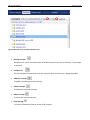
1
VB 2.0 User Manual
Page 68 of 101
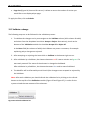
1. Select the first concept (by browsing or searching).
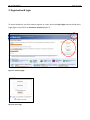
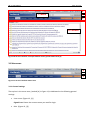
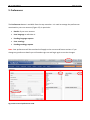
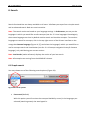
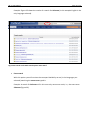
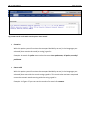
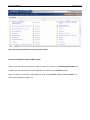
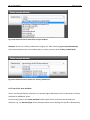
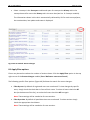
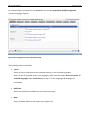
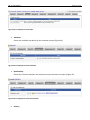
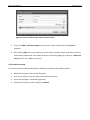
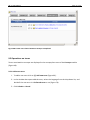
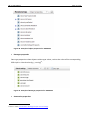
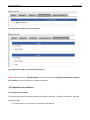
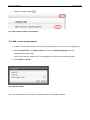
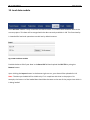
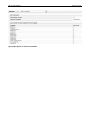
2. Click on the Relationship tab (Figure 63).
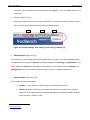
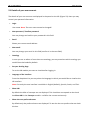
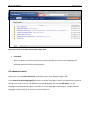
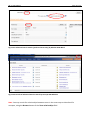
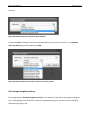
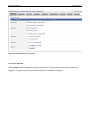
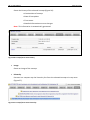
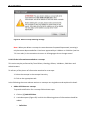
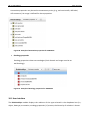
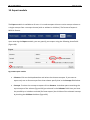
3. Click on [+] Add new relationship. A popup window will appear where you can specify
the relation to use, and select the other concept in the relation (Figure 64).
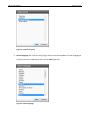
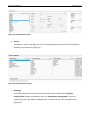
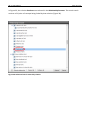
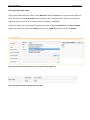
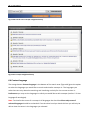
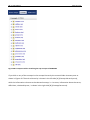
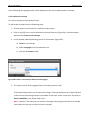
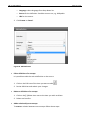
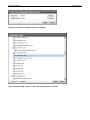
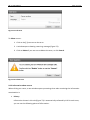
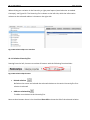
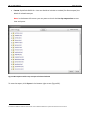
4. To select a relation, click on the Browse button and the Relationship browser will open
(Figure 65). To view the complete list of relation types, click on Expand all at the
bottom of the window and select from the list the appropriate new relation.
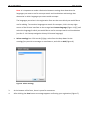
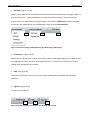
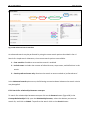
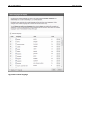
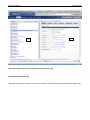
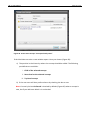
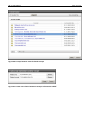
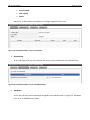
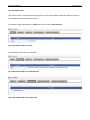
5. To select the second concept in the relationship click on the Browse button. The
Concept browser will open where you can search and browse for the desired concept
(Figure 66). Once the concept is identified, click Submit (or Cancel).
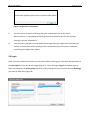
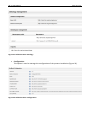
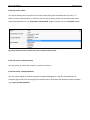
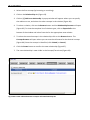
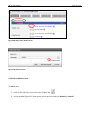
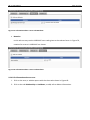
6. Click the Create button to confirm the new relationship (Figure 67).
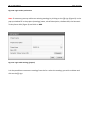
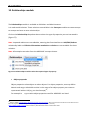
7. The new relationship is now visible in the Concept/Term Area (Figure 68).
Figure 63. Create relation between concepts: Select Relationship tab