1
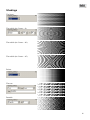
portrayal on the screen occurs more slowly, than without smoothing. On unproductive computers
it can worsen comfort of work of the operator considerably.
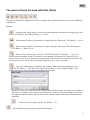
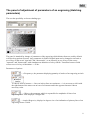
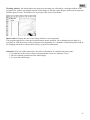
In the program it is provided three modes of smoothing. To learn a current mode, it is necessary to
click with the right button of the mouse button "Anti-aliased".
In the dropping out menu the current mode is noted by a fat point. To replace a mode, it is
necessary to choose simply the mouse other point of the menu.
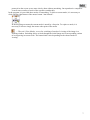
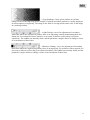
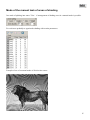
— The tool «View Mode», serves for switching of modes of viewing of the image in a
working window. Switching allows to look through the initial image and a corresponding variant
of an engraving in current scale. The button kind varies depending on the chosen mode of
viewing.
7