1
3.10.3.12
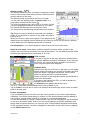
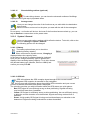
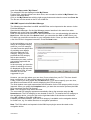
Main menu functions
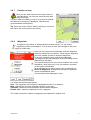
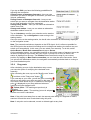
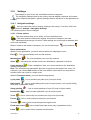
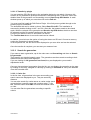
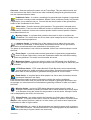
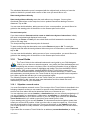
You can put the main menu together yourself as you
wish by activating the functions you want from the
list.
Disabled functions are not checked, slip to the end of the list
and can then be found in the Extras menu.
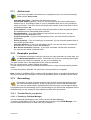
3.10.3.13
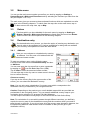
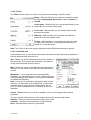
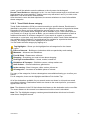
Kilometres / Miles
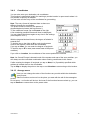
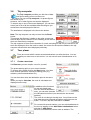
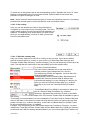
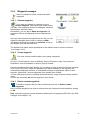
Tap on Kilometres or Miles to determine the unit of measurement for specifying
distances. You can switch between kilometres and miles. The speed data is then
also specified in the selected format.
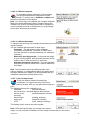
3.10.3.14
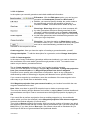
Default settings
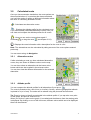
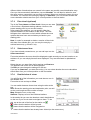
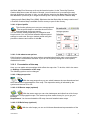
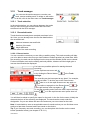
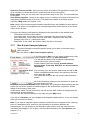
If you tap on Default settings, you can reset the settings of the Falk Navigator to
the factory settings; the navigation device is automatically restarted when you do
this. You then have the option via the start wizard of making new settings.
3.10.3.15
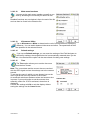
Time
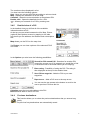
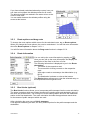
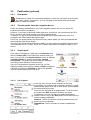
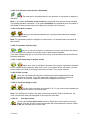
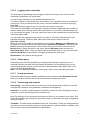
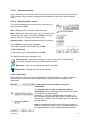
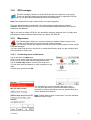
The Time option allows you to set the time zone
and the time format.
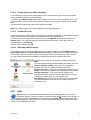
Note: The current date and the current time are received
with the GPS signal and are thus always set to the nearest
second.
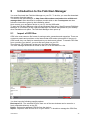
To set the time zone in which you are situated, tap on the
left or right arrow in the top section of the screen.
An automatic switchover between winter and summer time
is preset. If you would prefer to set the summer time
manually, select On. If Off is activated, winter time is
displayed.
Confirm the settings with Ok or exit the display without
saving the settings via the Cancel button.
User Manual
27