1
3.18
GPX manager
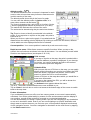
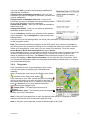
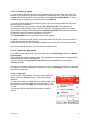
The GPX manager contains all of the GPX files that are located on your device.
These can be either tracks that you have recorded yourself or imported GPX files.
Here you can also delete imported GPX files from the device.
Note: The imported files may contain tracks, tours and waypoints.
They are also displayed in each case in the track manager and waypoint manager.
Caution: When you delete a GPX file, all of the elements contained (tracks, tours and/or
waypoints) are deleted.
Tip: If you want to delete a GPX file, but would like to keep a waypoint from it, simply save
the waypoint under a different name before you delete the GPX file.
3.19
Map errors
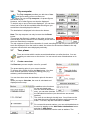
The Falk Navigator allows you to report map errors and thus help to improve the
quality and relevance of the maps and the points of interest.
You can then transfer the map errors which you have created yourself to Falk via the
Falk Navi-Manager.
You can create map errors on the menu or record them directly while you are travelling and
then edit them at a later date.
3.19.1 Create map error on the menu
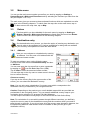
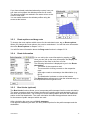
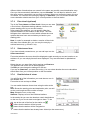
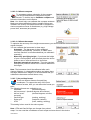
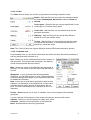
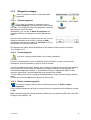
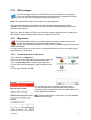
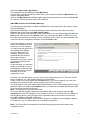
Tap in the menu on Map error.
Here you can create new map errors as well as view map
errors or POI errors which have already been saved.
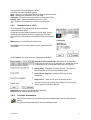
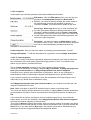
Tap on Create map error to record a new map error.
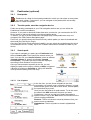
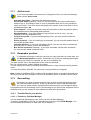
You can also enter an address or mark a position on the
map.
Confirm your selection with Ok.
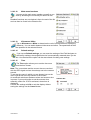
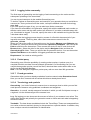
In a second step, you should select the type of error.
You can then also add a comment about the map error
recorded in order to describe the error in greater detail or to
record additional information.
Note: Please always leave a comment if you have selected
Other as the error type.
User Manual
43