1
7. Next to where is says “Project WDM File”, click on the Select button. Navigate to
C:\BASINS\modelout\Mzundusi directory, and select the “Mgeni.wdm” file, then Open.
8. Leave the Model Segmentation as the default (Grouped)
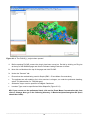
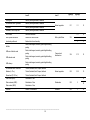
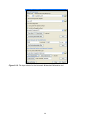
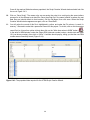
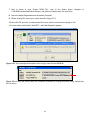
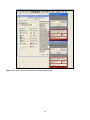
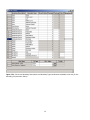
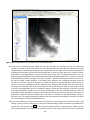
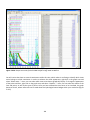
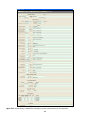
9. Before clicking OK, ensure your screen looks like Figure 2.5.3.
10. Now click OK, and click Yes when asked if the user wants to overwrite the existing uci file.
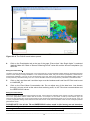
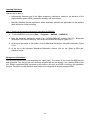
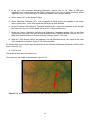
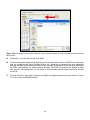
11. A new window with the title “WinHSPF – Initial Met Segment” appears.
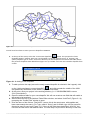
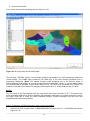
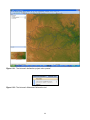
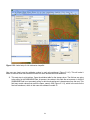
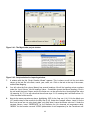
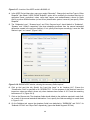
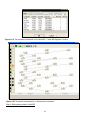
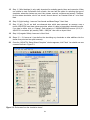
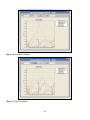
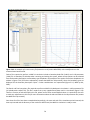
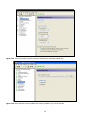
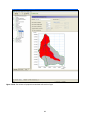
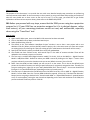
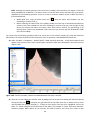
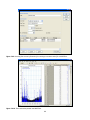
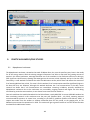
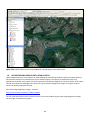
Figure 2.5.1: Error message that appears when trying to open the met WDM file.
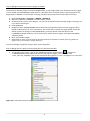
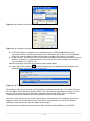
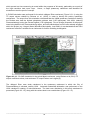
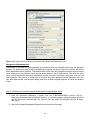
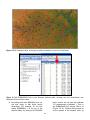
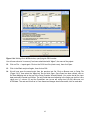
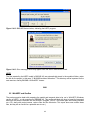
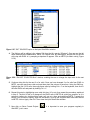
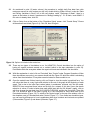
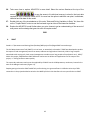
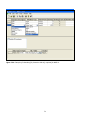
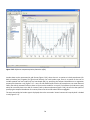
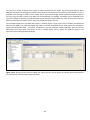
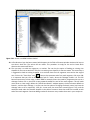
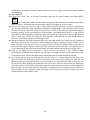
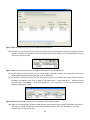
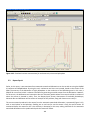
Figure 2.5.2: Ensure the second wdm file is selected (indicated by clicking the bottom arrow, indicated by
the red arrow).
45