1
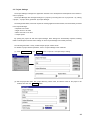
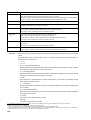
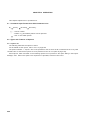
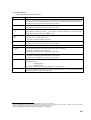
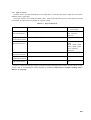
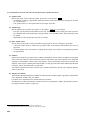
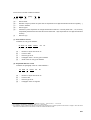
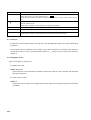
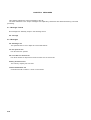
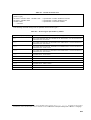
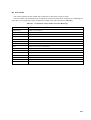
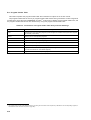
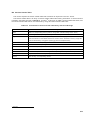
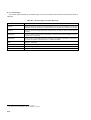
(4) Set
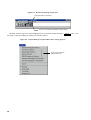
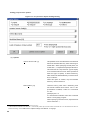
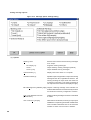
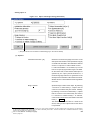
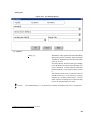
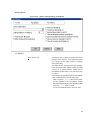
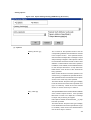
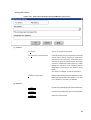
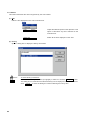
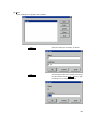
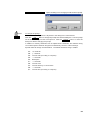
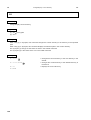
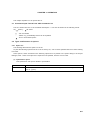
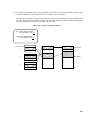
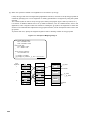
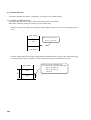
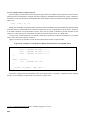
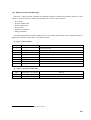
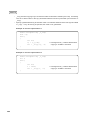
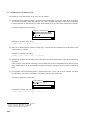
Window Size...
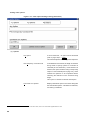
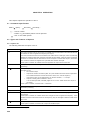
Operation
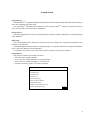
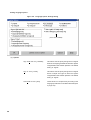
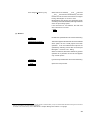
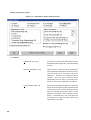
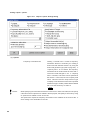
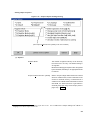
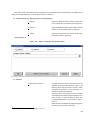
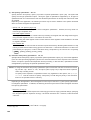
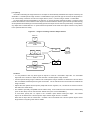
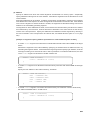
Opens the dialog box for setting the window size.
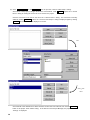
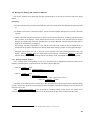
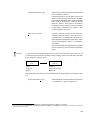
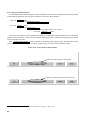
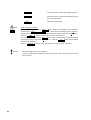
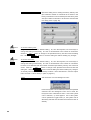
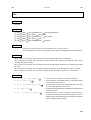
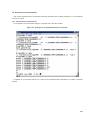
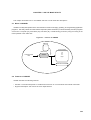
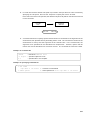
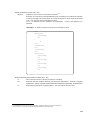
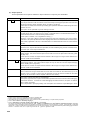
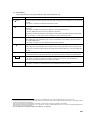
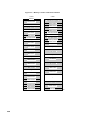
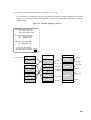
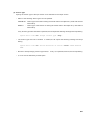
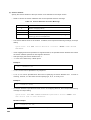
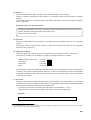
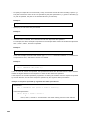
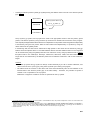
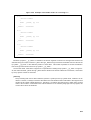
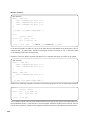
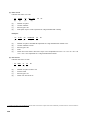
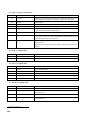
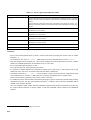
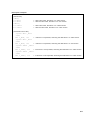
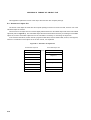
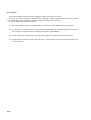
To change the VSH window size...
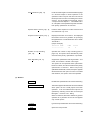
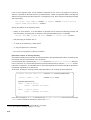
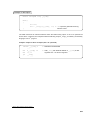
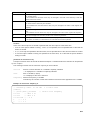
Drag the width/height scroll button to the desired setting. Or, from the keyboard, use arrow
keys to change the setting incrementally. The unit of measurement is the number of characters.
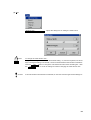
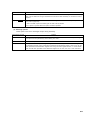
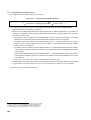
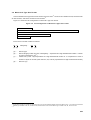
Click the
the
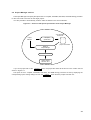
CAUTIONS
OK
Cancel
button to change the VSH window size and close the dialog box. Click
button to close the dialog box without changing the VSH window size.
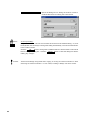
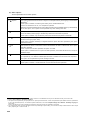
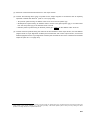
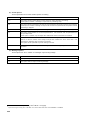
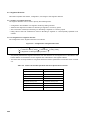
If the VSH window size has been maximized, its size cannot be changed via this dialog box.
93