1
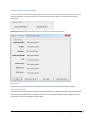
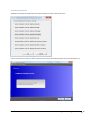
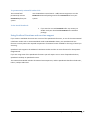
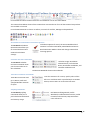
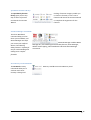
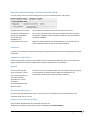
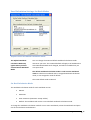
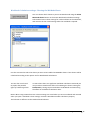
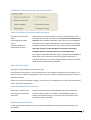
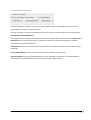
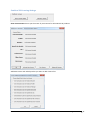
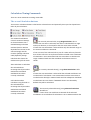
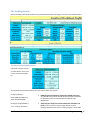
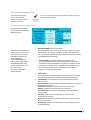
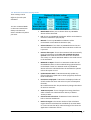
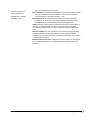
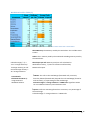
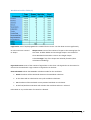
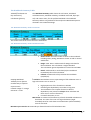
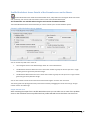
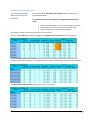
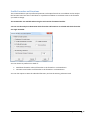
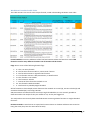
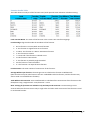
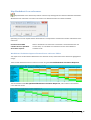
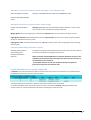
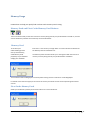
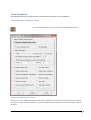
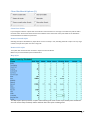
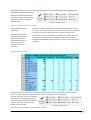
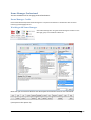
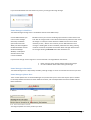
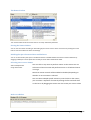
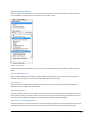
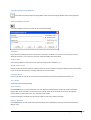
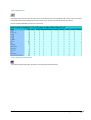
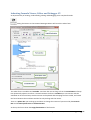
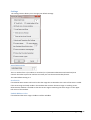
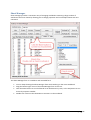
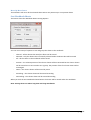
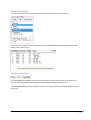
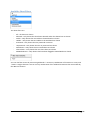
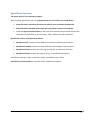
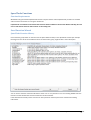
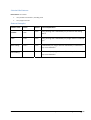
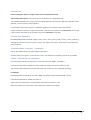
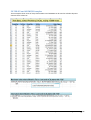
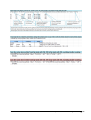
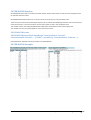
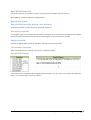
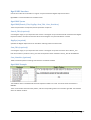
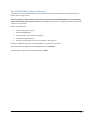
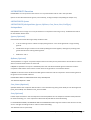
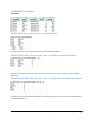
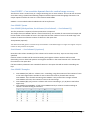
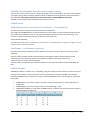
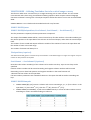
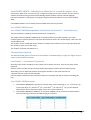
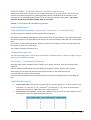
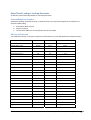
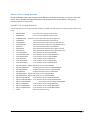
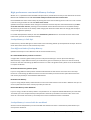
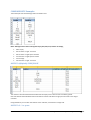
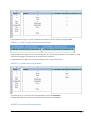
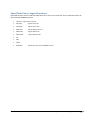
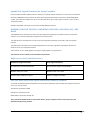
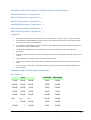
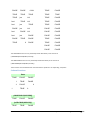
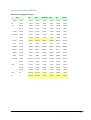
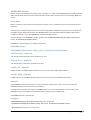
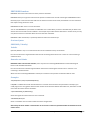
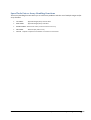
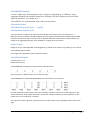
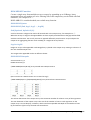
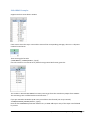
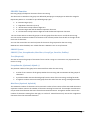
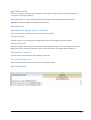
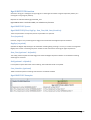
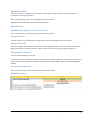
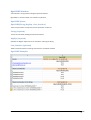
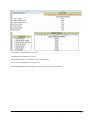
SheetManager Sheet manager provides a convenient way of managing workbooks containing a large number of worksheets and chart sheets by allowing you to change properties and sort multiple sheets with one command. The Sheet Manager form is a modeless and resizeable form. You can keep showing the Sheet Manager form whilst working on the active workbook. Drag the bottom right corner of the Sheet Manager form to resize it. Click the Name button to sort the filtered list of worksheets by name, or the Seq button to sort the list by sequence number. Double‐click a sheet in the Sheets Box to activate it in the workbook. FastExcel V3 User Guide Sheet Manager 143