1
Renesas USB MCU
4.6
USB Host Human Interface Device Class Driver (HHID)
Host Application Task Sequence
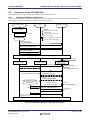
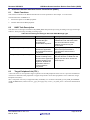
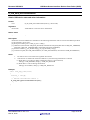
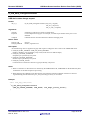
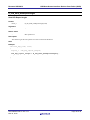
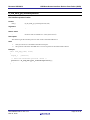
The following explains how the LCD display is updated, and state transition controls.
4.6.1
Displayed Information
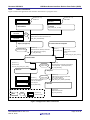
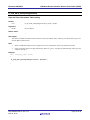
The application displays the USB device connection state and the content of reports received on the LCD.
When a keyboard is connected, the character of the last key pressed on the keyboard is displayed.
When a mouse is connected, the X/Y motion data is displayed. Values between -128 to 127 are displayed (right
justified).
If the content of a received report is NULL (no key press on the keyboard or no XY motion from the mouse), the
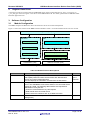
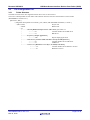
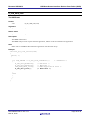
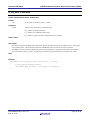
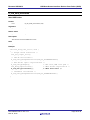
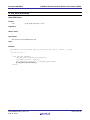
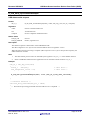
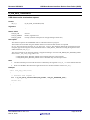
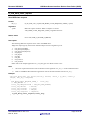
display on the LCD is not updated. The LCD display state transition is shown in Figure 4.3.
(1) Initial display at power-on
DETACH
USB mouse
USB keyboard
(2) USB mouse attachment
(3) USB keyboard attachment
USB MSE
ATTACH
USB KBD
ATTACH
Receive report
(4) USB mouse receive report display
-1
Receive report
(5) USB keyboard receive report display
2
A
(6) Detachment display
USB
DETACH
Figure 4.3 The Transition of the Display State on the LCD
R01AN0664EJ0213 Rev.2.13
Mar 16, 2015
Page 11 of 39