1
WebSAMS
User Manual
Version 1.3
Post-effects
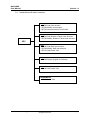
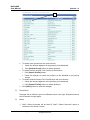
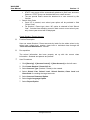
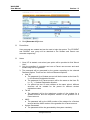
1. The user group created will have a set of function access rights same as that
of the original user group, less the restricted modules / functions.
2. Users in the original user group will not be copied to the newly created user
group.
Notes
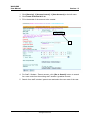
1.
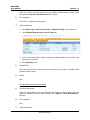
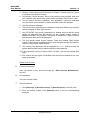
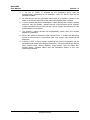
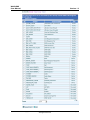
The access rights of the source group for every module can be viewed by
clicking the triangular icon next to the module name.
2.
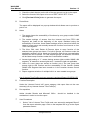
The access rights of the source group will be copied to the new group.
However, a user group created by copying from the built-in FMP or STAFF
user groups or the SCHOOL_HEAD group will not contain the modules of
FMP and Staff for access right setting. The reason is to confine the access
to FMP and staff functions to the corresponding built-in user groups for
tighter control on the sensitive FMP and staff data. Similarly, access rights
of functions restricted to the SCHOOL_HEAD group will not be copied.
3.
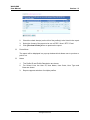
The user accounts attached to the source group will not be copied. The
user has to add user accounts to the newly created group.
Delete User Group
Function Description
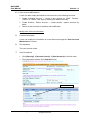
A user can delete a user group through the “User Group Maintenance”
function.
Pre-requisites
The user group to be deleted exists and is not a built-in group.
User Procedures
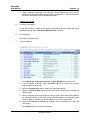
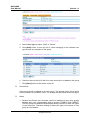
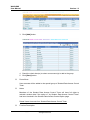
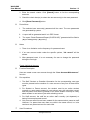
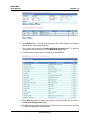
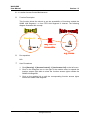
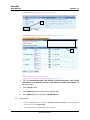
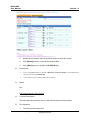
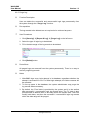
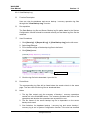
1. Click [Security] [Access Control] [User Group] on the left menu.
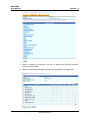
2. Select the User Group by checking the box beside the Group ID column.
3. Click [Delete] button.
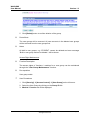
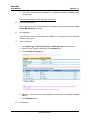
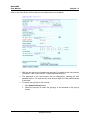
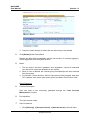
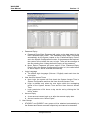
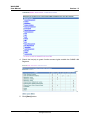
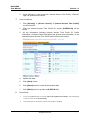
4. User accounts belonging to the deleted group will be shown.
Copyright © 2007. Education Bureau. The Government of the HKSAR.
All Rights Reserved.
Page 11