1
WebSAMS
User Manual
Version 1.3
2.1.2 Special Team Maintenance
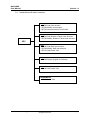
Assessment score entry is only available to Subject Teacher, Class Teacher or
members of the Score Capture Team. Score Capture Team can enter the scores
of all subjects for all classes. Subject Teacher can enter the scores of the
subject that he / she teaches. Class Teacher can enter the scores of all subjects
for his / her class.
Access to Student Information can only be granted to members of the Student
Data Access Control Team, School Head group, WebSAMS System
Administrator group, Clerk group and Class Teacher. Class Teacher can access
the personal information of students belonging to his / her class. Student Data
Access Control Team, School Head group, WebSAMS System Administrator
group and Clerk group can access the personal information of all students.
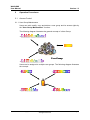
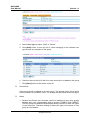
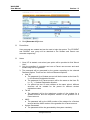
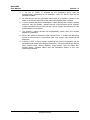
The function “Special Team Maintenance” allows adding / removing user
accounts to / from the two special user groups “Score Capture Team”
and ”Student Data Access Control Team”, and allows granting / revoking of
access rights of assessment score entry and student data maintenance to / from
the pre-defined types of users or user groups.
Add User Accounts to Score Capture Team
Function Description
User can add user accounts to the Score Capture Team through the “Special
Team Maintenance” function.
Pre-requisites
1. The user account is not a member of this group.
2. Only user accounts of “Staff” and “Others” type can be added to this group.
User Procedures
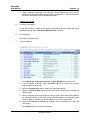
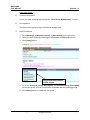
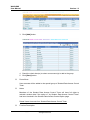
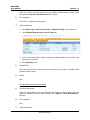
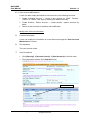
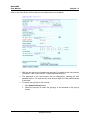
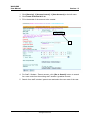
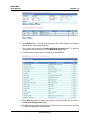
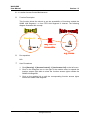
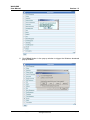
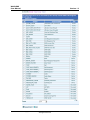
1. Click [Security] [Access Control] [Special Team] on the left menu.
Copyright © 2007. Education Bureau. The Government of the HKSAR.
All Rights Reserved.
Page 18