1
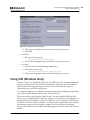
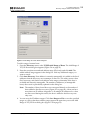
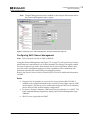
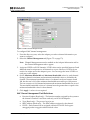
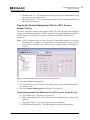
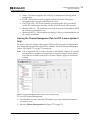
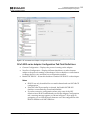
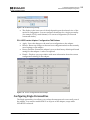
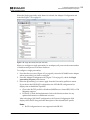
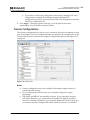
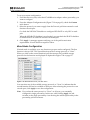
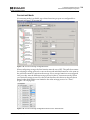
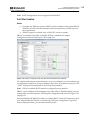
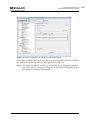
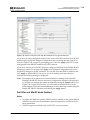
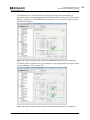
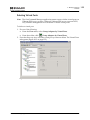
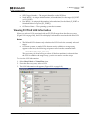
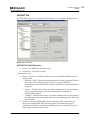
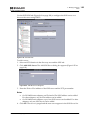
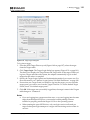
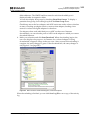
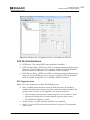
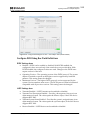
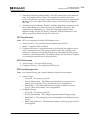
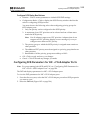
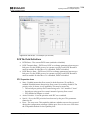
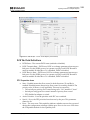
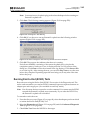
8. Managing Protocols FC/FCoE configure a boot type but not be able to boot from it since the adapter lacks the correct boot code. You must know what boot code type the system supports; the OneCommand Manager application cannot detect this. You can configure any boot type, but if the system does not support that type, it cannot boot from SAN. If you manage adapters on a remote host that is running a version of the OneCommand Manager application that does not support boot from SAN, the Configure Boot button does not appear. Note: You can configure boot from SAN before boot by using the Emulex Boot BIOS setup command line interface that runs during system startup. See the Emulex Boot BIOS setup program documentation for details. One of the following FC or FCoE adapter drivers must be installed: Storport Miniport or CNA driver for Windows Emulex driver for Linux Solaris emlxs FCA Driver Emulex driver for VMware To configure boot from SAN: 1. Select Host or Fabric view. 2. In the discovery-tree (Figure 4-3 on page 40), click the FC or FCoE adapter function on which you want to enable boot from SAN. 3. Select the Maintenance tab (Figure 8-16 on page 137 or Figure 8-17 on page 139), check enable adapter boot (if available) and click Configure Boot. The Boot from SAN Configuration dialog box appears (Figure 8-36 on page 167). Notes The Configure Boot button is disabled if the Enable Adapter Boot checkbox is not checked. If boot code is not present on the adapter, the Enable Adapter Boot checkbox and Configure Boot button are not displayed on the Maintenance tab. For OneConnect adapters, boot is always enabled and cannot be disabled. OneCommand Manager Application P011373-01A Rev. A 166