1
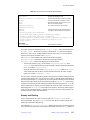
1.5 Diffusion Experiments/DOSY
1.
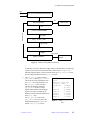
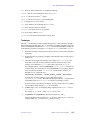
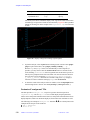
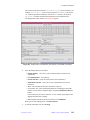
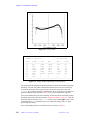
Display the FID data and use the right mouse button to select the data points to be
used by FDM.
2.
Process the data with ft (it uses all FID points), then display and reference the
spectrum.
3.
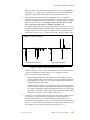
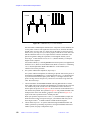
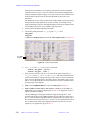
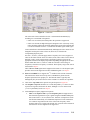
Place the cursor on a region of interest, zoom in on it, then type fdm1 or select the
Process2 panel and click on 1D FDM to process the data. If you select but do not
zoom in on a region, the whole spectrum in display is processed.
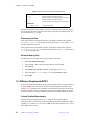
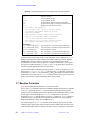
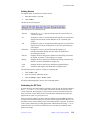
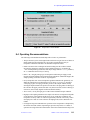
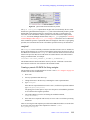
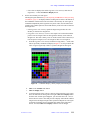
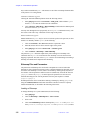
A new menu appears with Stop FDM and Display buttons. The calculation might
take a few seconds to a few minutes depending on the number of data points used
and the size of spectrum window to be processed. To abort the process, click on
Stop FDM. To check if the process is finished, click on Display. If the process is
finished, display the spectrum.
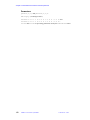
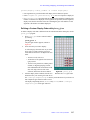
Reprocessing a Spectrum
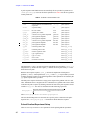
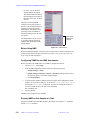
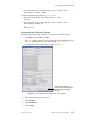
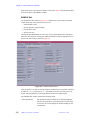
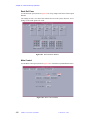
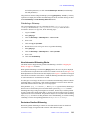
The 1D FDM button is displayed on the Process2 panel. Use this button to reprocess a
spectrum.
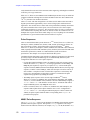
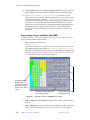
Changing Parameters
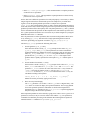
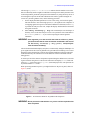
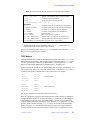
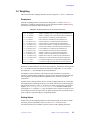
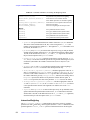
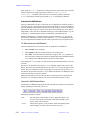
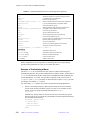
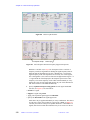
Relevant fdm1 global parameters are displayed on the Process2 panel with current values.
You can change these parameters. The value of a global parameter is saved to curpar and
it remains the same until you change it from the parameter panel or make a new assignment
using the command line. You can also change the parameters from the fdm1 command line
as described in the section “Changing Local Variables,” page 68.
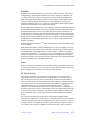
Global Parameters
The following FDM parameters are global.
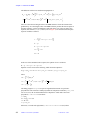
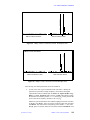
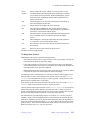
• Nsig is the number of FID points to use. You initialize it with the right mouse button
position (crf + deltaf) *sw. If Nsig=0, half of the FID data points or 3000,
whichever is smaller, is used. Nsig can be changed from the parameter panel, the
command line Nsig=nnnn, the right mouse button (when the FID is displayed), or
the command line fdm1('Nsig',nnnn). In general, the more peaks you have, the
more data points it takes to fit the spectrum. To check the reliability of the FDM
method, change Nsig a few times and reprocess the data to see if you get the same
result.
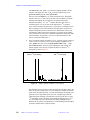
• Nskip is the number of data points to skip at the beginning of a FID. By default, zero
points are skipped. In some cases, you can improve baseline by skipping the first one
or two points.
• Nb is the number of basis functions (poles) used to fit each of the windows in an FDM
calculation. The default is 10. FDM breaks down the specified window into smaller
windows. In general, bigger Nb gives better results, especially better baseline. Sensible
values for Nb are between 10 and 50.
• Nbc is the number of additional poles (coarse basis functions) to be used. The default
is zero, but setting Nbc to an integer larger than zero (typically 4-10) might improve
the baseline.
• Gamm is the smoothing width (line broadening). The default is 0.2*sw/Nsig, which
is about a tenth of the FT resolution. Typical values are 0.1 to 1.0.
Using bigger Nsig, Nb, Nbc, or a spectral window significantly slows down the
calculation.
01-999161-00 C1002
VNMR 6.1C User Guide: Liquids NMR
67