1
RKP115 / RKP117 / RKP119
User Manual
10.
LCD Session
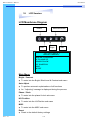
MISC
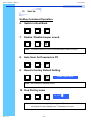
1. Information
●
●
●
The first header row shows the current resolution setup
The second header row shows the horizontal frequency of the current
input signal
The third header row shows the vertical frequency of the current input
signal
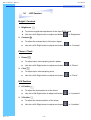
2. OSD Timer
●
To modify the duration of the OSD time-out
3. Color
a) 5500K
●
Select Colour Temp at 5500K
b) 6500K
●
Select Colour Temp at 6500K
c) 9500K
●
Select Colour Temp at 9500K
d) User
●
Change Colour Temp by manual
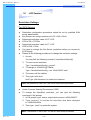
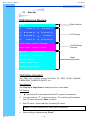
4. Language
● To select the language of OSD menu 7 Languages :
(1) English
(2) Japanese (日本語)
(3) Chinese (中文)
(4) German
(5) Francais
(6) Espanol
(7) Italiano
Rev. : 1.0
P.13