1
How to Print a Report
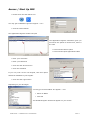
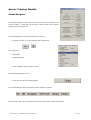
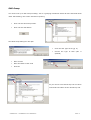
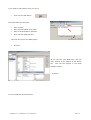
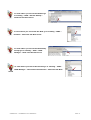
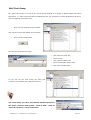
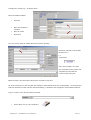
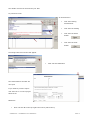
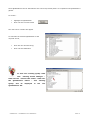
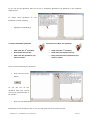
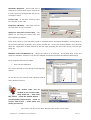
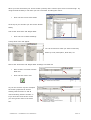
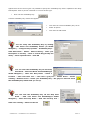
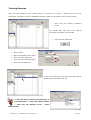
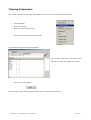
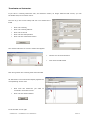
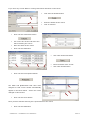
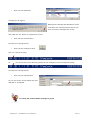
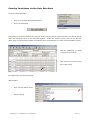
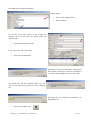
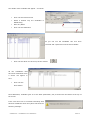
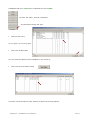
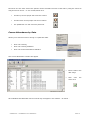
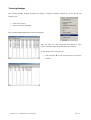
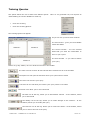
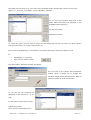
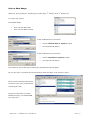
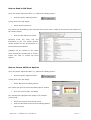
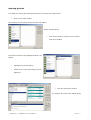
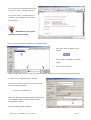
Please refer to the ‘Brown clipboard’ button entitled ‘Fire Safety Queries’
•
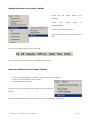
Click the ‘Brown clipboard’ button
A drop down menu will display
•
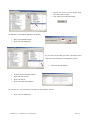
Select the second option ‘Print report’
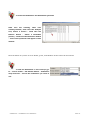
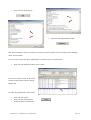
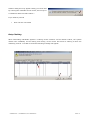
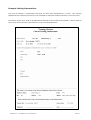
The system will automatically generate a report of the information currently displayed.
Please note the information included in the ‘Print’ or ‘Export’ will be the data retrieved from the single or
multiple searches previously performed.
•
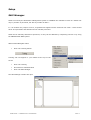
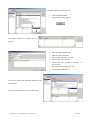
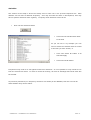
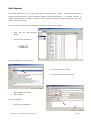
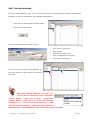
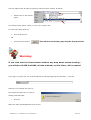
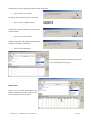
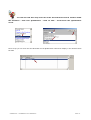
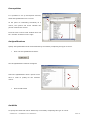
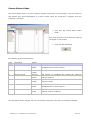
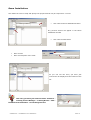
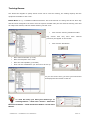
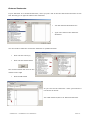
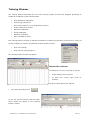
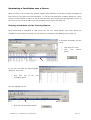
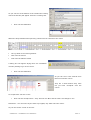
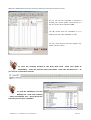
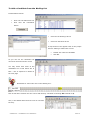
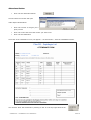
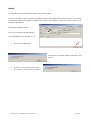
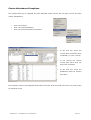
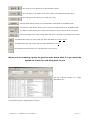
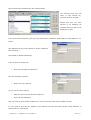
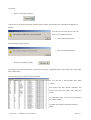
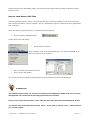
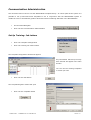
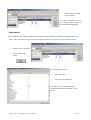
To print the report click the ‘P’ button positioned in the top right hand corner of
the window.
A drop down menu will display.
•
Select the ‘Print report’ option.
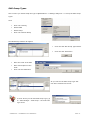
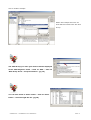
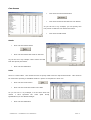
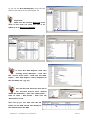
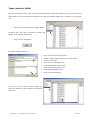
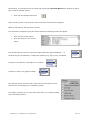
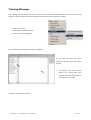
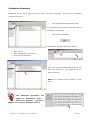
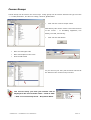
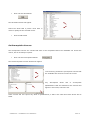
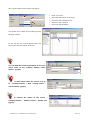
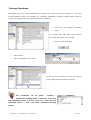
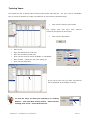
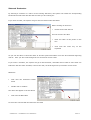
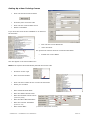
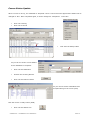
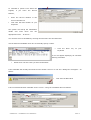
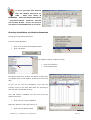
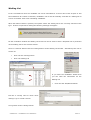
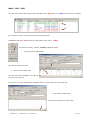
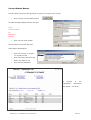
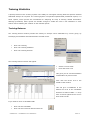
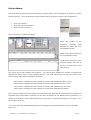
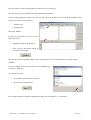
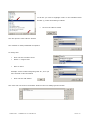
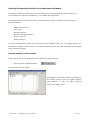
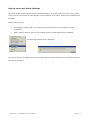
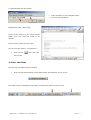
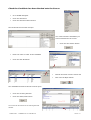
The ‘Print setup’ window will display.
Please note the ‘Print Setup’ window defaults to the
printer previously specified as the default printer via
the ‘Settings’, ‘Printers’ option of the ‘Start’ button of
Windows.
•
Click the ‘OK’ button to print the report.
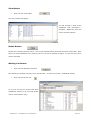
The system returns to the screen report.
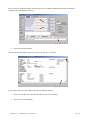
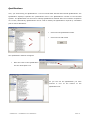
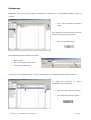
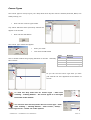
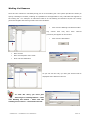
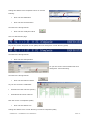
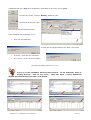
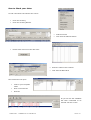
When the report has been viewed and is no longer required.
•
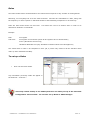
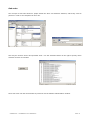
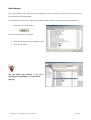
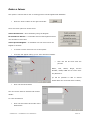
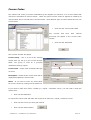
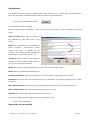
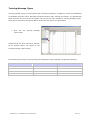
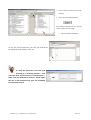
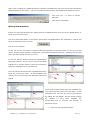
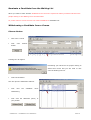
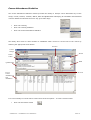
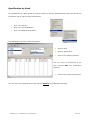
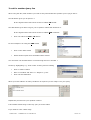
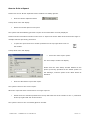
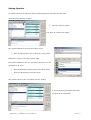
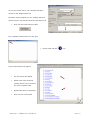
Double click the ‘8’ button positioned in the top left hand side of the window or the ‘x’ positioned
at the top right hand side of the window.
The system returns to the ‘Fire Safety Queries’ window.
SOPHTLOGIC – COMMERCIAL IN CONFIDENCE
PAGE: 110