1
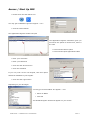
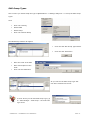
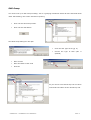
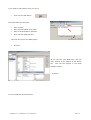
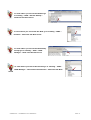
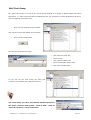
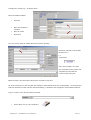
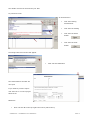
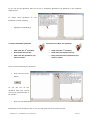
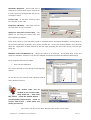
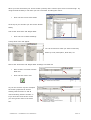
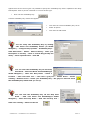
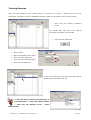
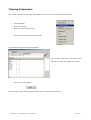
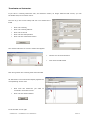
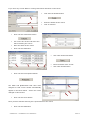
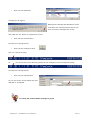
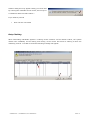
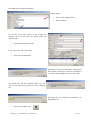
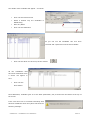
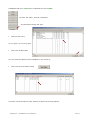
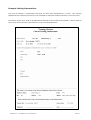
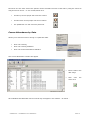
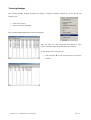
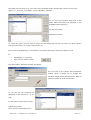
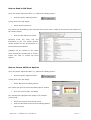
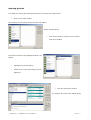
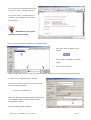
To see if you have been entered
into the Station Resources as
UNA
–
Click
onto
Rota’s
&
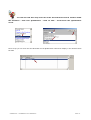
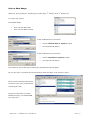
Availability – Click onto Station Resources
– Find the Location – Click OK – Put the
correct Date & Time - as you can see you
are shown as unavailable and on a course.
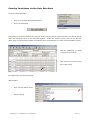
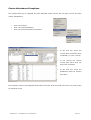
Entering Candidates via Station Resources
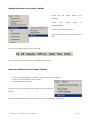
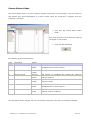
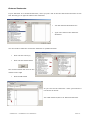
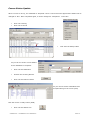
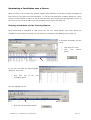
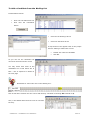
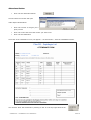
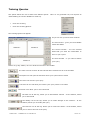
Though the Duty Station Resources
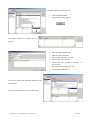
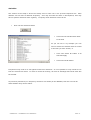
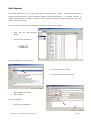
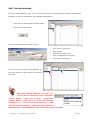
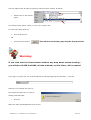
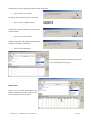
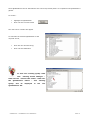
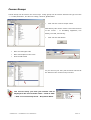
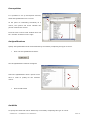
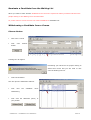
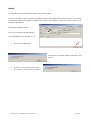
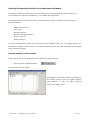
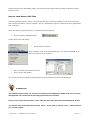
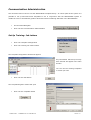
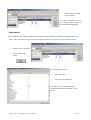
From the Global Navigator
•
Click on to the Rota & Availability button
•
Click onto Rotas
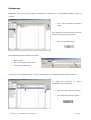
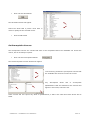
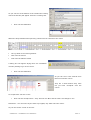
The Station Location window will open
•
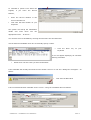
Click onto a Station
•
Click the OK button
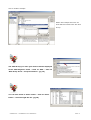
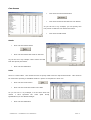
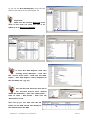
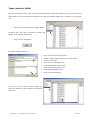
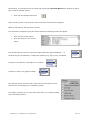
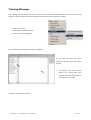
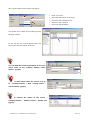
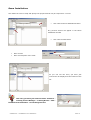
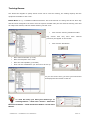
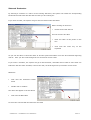
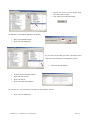
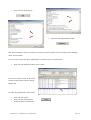
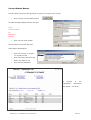
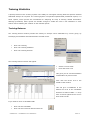
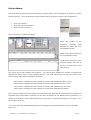
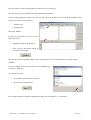
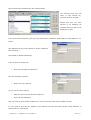
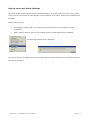
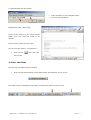
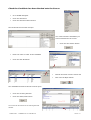
The Station Resources window will appear showing who
is available with in that Station at that given time and
date.
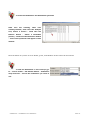
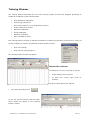
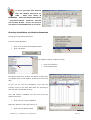
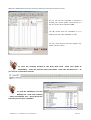
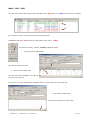
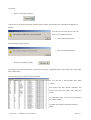
As you can see the two candidates I put onto the
Training Course in the Duty Rota Book are showing as
UNA and will not available for duty.
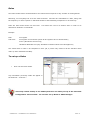
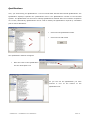
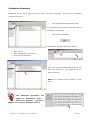
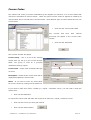
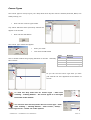
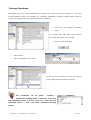
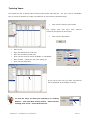
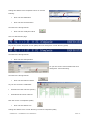
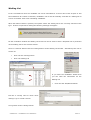
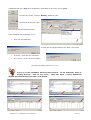
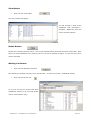
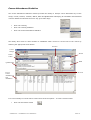
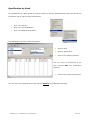
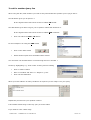
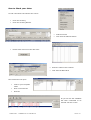
Let’s add another candidate but this time from the
Station Resources.
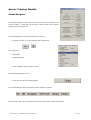
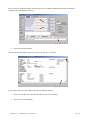
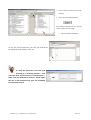
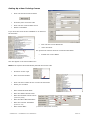
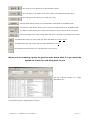
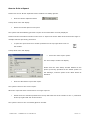
•
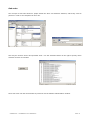
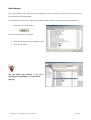
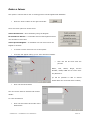
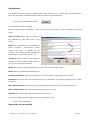
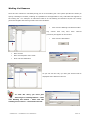
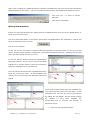
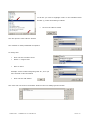
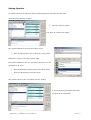
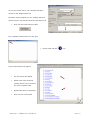
Click onto one of the candidates
Notice the buttons on the right have lit up
•
Click onto the Status button
SOPHTLOGIC – COMMERCIAL IN CONFIDENCE
PAGE: 78